Free Wheel Spinner Online
The wheel spinner lets you add any list of names, items, or options and spin for a cryptographically random result. This free random wheel spinner is used daily by teachers for student selection, streamers for live giveaways, and teams for instant decisions. Enter your entries, choose a quick-start template, spin, and get an unbiased result in seconds. No signup, no install, runs entirely in your browser.
Every spin uses crypto.getRandomValues(), the same cryptographic source used by password managers and security tools. No entry is ever favored and no result can be predicted or reproduced. For drawing numbered tickets, the random number generator is the better fit; for everything name-based, this is it.
👆 Tap wheel to spin
How to use the wheel spinner
- Type or paste your list of names or options into the entry field, one item per line.
- Each entry becomes one segment on the spinner wheel with equal size and probability.
- Click the Spin button and the wheel animates to a random stop.
- The winning entry is highlighted and announced when the spin completes.
- Remove the selected entry from the list if you want to draw without replacement, then spin again.
Name wheel spinner for classrooms and teachers
The random name wheel spinner is one of the most widely used classroom tools for teachers. Add every student name to the list at the start of the school year and reuse the same wheel throughout the term. Use it for cold calling during lessons, selecting students for presentations, assigning classroom roles, picking activity partners, or choosing who answers a question. Because the result is visibly animated and clearly random, it removes any perception of favoritism in the selection process.
For group work, the name wheel spinner works well for selecting a small number of students from a larger class. Spin to pick a group leader, then spin again to fill remaining roles. For splitting the full class into balanced teams at once, the team generator is the faster option since it divides an entire name list into equal groups in a single step.
Decision wheel spinner: making random choices
The decision wheel spinner is useful any time a group cannot reach a consensus and needs an impartial result to move forward. Add every option under consideration as a separate entry, spin the wheel, and commit to the outcome. Common uses include deciding where to eat, choosing a movie, picking a game to play, selecting a topic for discussion, or settling a tie between two equally valid choices.
Because every entry on the spinner wheel picker has equal probability, the decision is genuinely fair regardless of how many options are listed. If you want to weight some options more heavily, add the same entry multiple times: two lines for an option gives it twice the probability of a single-line entry. This approach is useful when some choices are more acceptable than others but you still want randomness to make the final call.
Yes or no wheel spinner for binary decisions
For a simple yes or no random decision, add "Yes" and "No" as two entries on the wheel and spin. Each has exactly 50% probability on every spin. If you want a dedicated tool designed specifically for this use case with a purpose-built interface, the yes or no wheel displays a larger, more prominent result and is optimized for quick binary decisions without the setup of a full custom wheel.
The yes or no wheel spinner use case extends beyond simple decisions. Teachers use it to randomly call students to answer yes or no comprehension questions. Game hosts use it to add randomness to game show formats. Groups use it to randomly decide whether to follow a suggested plan when discussion is not reaching a conclusion.
Wheel spinner online for giveaways and live streaming
Streamers and content creators use the random wheel spinner online for live giveaways because the spin animation is visible on camera and the result cannot be manipulated. Paste the list of eligible participant names, share your screen to show the full wheel, spin live, and the outcome is transparent to your entire audience. The wheel spinner works on any screen size and does not require plugins, extensions, or third-party software integration.
For office raffles or event prize draws, the same approach applies. Add ticket holder names or numbers, spin the wheel, and record the result. Remove the winner from the list and spin again for the next prize. The remove-and-spin workflow ensures no participant is selected twice without replacement and gives every remaining entry equal probability on each subsequent spin. For a full walkthrough of all features and use cases, see our wheel spinner online guide.
Wheel spinner use cases and quick-start templates
The five built-in templates let you skip the setup and start spinning immediately. Each template pre-fills the entry list for a common scenario. You can edit the entries after loading a template to match your exact names or options.
| Use case | Setting | What to enter | Tip |
|---|---|---|---|
| Student name picker | Classroom | Student names | Project on screen so the class sees the spin live |
| Giveaway winner | Streaming | Participant names | Share your screen during the spin for full transparency |
| Task assignment | Team meeting | Team member names | Pair with a second spin from a task list |
| Dinner decision | Daily life | Restaurant or meal names | Add the same option twice to weight it higher |
| Random question caller | Quiz / game | Player or team names | Remove each winner to cycle through all players once |
| Prize draw order | Events | Ticket holder names | Screenshot the result immediately for your records |
For use cases that require drawing multiple winners in sequence without repetition, remove each winner from the list after their spin. The wheel recalculates equal probabilities across the remaining entries automatically. To pick multiple winners at once from a numbered pool, use the random number generator with unique mode enabled instead.
Spinner wheel generator: how the randomness works
This spinner wheel generator uses the browser's crypto.getRandomValues() API to determine spin duration and the final stopping angle. This is a cryptographically secure random source, which means the result has no predictable pattern and cannot be reverse-engineered or manipulated. It is fundamentally different from the pseudo-random Math.random() used in basic applications, which produces deterministic sequences when given the same seed.
Each spin is completely independent of all previous spins. The wheel has no memory. A segment that won the last three spins in a row has exactly the same probability on the next spin as any other segment. This is the same statistical property as a fair physical coin or die. For scenarios where you need numbered draws without repetition, the random number generator with unique mode enabled is the more appropriate tool.
Frequently asked questions
Type or paste your list into the entry field, one item per line. Each entry creates one segment on the wheel with equal size and equal probability. You can add or remove entries at any time and the wheel regenerates automatically. There is no limit to the number of entries you can add to the spinner wheel.
Yes. The spin duration and stopping position are determined by the browser's crypto.getRandomValues() API, which produces cryptographically secure random outcomes with no predictable pattern. No entry is weighted higher than another unless you deliberately add the same name more than once, which gives that entry additional segments and proportionally higher probability.
Delete the entry from your list after the spin result is announced. The wheel automatically recalculates and redistributes the remaining entries into equal segments. This remove-after-pick approach is the standard way to run a draw without replacement using the random name wheel spinner.
Yes. The name wheel spinner is widely used by teachers for student selection, group assignment, activity picking, and random question drawing. Add every student name to the list at the start of class. Each student has the same probability of being selected on each spin, and the visible animation makes the selection transparent and uncontested by the class.
A spinner wheel generator is a tool that creates a customizable spinning wheel from any list of items you provide. Unlike a fixed wheel with preset options, a spinner wheel generator lets you define the entries, add or remove them between spins, and use the wheel for any purpose from name picking to decision making. This wheel spinner is a free online spinner wheel generator that runs entirely in your browser.
Yes. Add "Yes" and "No" as two entries and spin for a random binary decision. For a dedicated yes or no experience with a purpose-built interface and animation, the yes or no wheel tool is the more focused option. It is designed specifically for binary decisions and displays a clear, prominent result.
There is no hard limit. The wheel divides its face into equal segments for every entry in your list. With very large lists (50 or more entries) the individual segments become narrow but remain functional. For best visual results and readability, lists of 2 to 30 entries work well. For larger groups, consider using the team generator instead, which handles large name lists more efficiently.
Yes. The wheel spinner is fully touch-compatible and works on any smartphone or tablet. The spin button is sized for finger taps, the entry field accepts mobile keyboard input, and the wheel animation runs smoothly on modern mobile browsers. No app download is required.
Yes. Add the same entry multiple times to give it more segments on the wheel and proportionally higher probability. For example, adding "Prize A" three times and "Prize B" once gives Prize A a 75% chance and Prize B a 25% chance. Each segment still has equal probability, so duplicate entries weight the result.
No data is sent to any server and nothing is stored permanently. The wheel runs entirely in your browser. If you refresh or close the tab, the entry list resets to the default. To preserve a specific list, copy your entries to a notes app or document before leaving the page.
The wheel spinner works best when entries have names or labels and you want an animated visual result. The random number generator is better when entries are numbered, when you need multiple unique draws at once, or when you need to document the exact number range used. Both tools use the same cryptographic randomness source and produce equally fair results.
Related articles
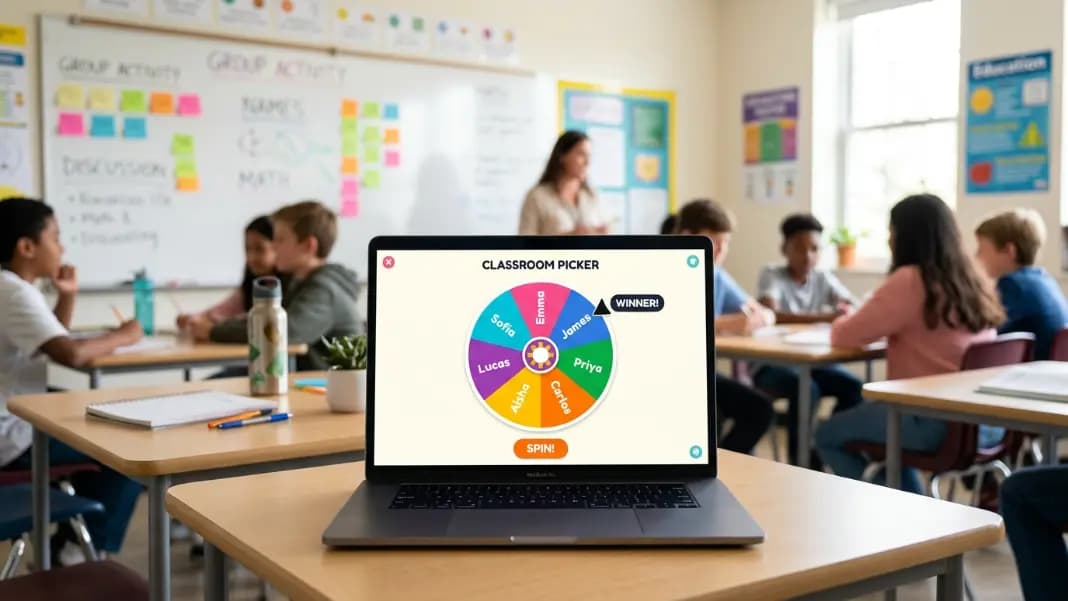
Name Wheel Spinner: How Teachers and Teams Use Random Selection Fairly
A name wheel spinner makes random selection transparent and fair for classrooms, team meetings, and giveaways. Learn how to set one up and get consistent results every time.
9 min read
Sports Team Wheel Spinner: Draft Order, Bracket Seeding, and PE Class Teams
Use a wheel spinner for fair sports team assignments, draft order draws, and playoff bracket seeding. Handling byes, unequal team sizes, and multi-sport challenges.
11 min read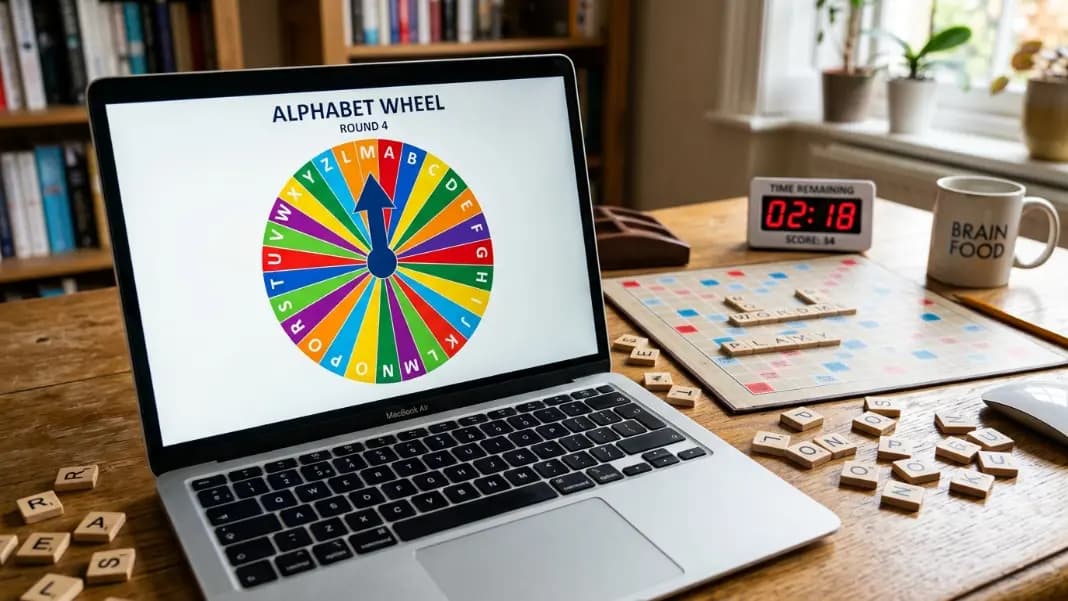
Letter Wheel Spinner: Random Letter Picker for Word Games and Classrooms
Spin a wheel to pick a random letter for Scrabble, word association games, classroom activities, and alphabet challenges. Includes vowel-only, consonant-only, and frequency-weighted letter wheel setups using the free wheel spinner.
11 min read