Random Letter Generator (Free)
Use this random letter generator to pick one or more letters from the full A to Z alphabet instantly. Set the count from 1 to 10, choose uppercase, lowercase, or mixed case, and filter by vowels or consonants for targeted results. Works as a random letter chooser for word games, a classroom alphabet random generator for teaching activities, and a quick letter picker for coding and testing. Free, no signup, runs entirely in your browser.
Number of letters
Case
Letter set
or press Enter
How to generate a random letter
- Choose how many letters you need using the count buttons (1 to 10).
- Select the case: uppercase, lowercase, or mixed for independent random case per letter.
- Choose the letter set: all letters A to Z, vowels only, or consonants only.
- Click Generate Letters. Results appear as large amber tiles immediately.
- Click Copy to copy all letters to your clipboard. Previous results are saved in the history below.
Random letter generator for word games and Scrabble
Word games often require a specific ratio of vowels to consonants to produce playable combinations. Generating straight from the full alphabet frequently gives you clusters that are difficult to use. The separate vowels and consonants filters solve this directly. Generate your vowels first, then switch to consonants-only for the rest, and combine the two results.
For Scrabble challenge rounds, try generating 7 letters from the full set to simulate a standard rack, then see what words you can form under a time limit. For Boggle-style grids, generate 16 letters and arrange them in a 4x4 layout on paper. The dice roller pairs well with letter generators when game rules involve both letters and numbered outcomes.
Random letter chooser for classroom and teaching
Teachers use random letter pickers for alphabet drills where students must give a word starting with the chosen letter, spelling practice where the letter determines what word gets dictated, and student selection where each student is assigned a letter at the start of class. Generating a single uppercase letter keeps the display clean and readable across a classroom.
For younger students learning the alphabet, the vowels-only filter makes it easier to work through the five core sounds before introducing consonant combinations. The wheel spinner is another option for classroom activities where visual spinning adds engagement, though the letter generator is faster for repeated alphabet drills.
Generate random letters for passwords and coding
Random letters have practical uses beyond games and teaching. For password components, generating a short string of mixed-case letters adds entropy when combined with numbers and symbols. For software testing, random letter strings serve as realistic variable names, placeholder identifiers, and test data fields that look more natural than sequential labels like aaa or bbb.
The mixed case option is particularly useful here because it produces strings that resemble real code identifiers. If you need random numbers alongside letters, the random number generator handles that separately so you can combine both outputs into any format your project requires.
Vowels only vs consonants only: when to filter your letter set
The all-letters setting gives you a uniform distribution across all 26 characters. Use it when you want the full range of possibilities and do not need to control word-formability. Vowels-only (A, E, I, O, U) is useful when you already have consonants and need to complete a playable set, or when teaching phonics focused on vowel sounds.
Consonants-only draws from all 21 non-vowel letters. It is the right choice for word game setups where you want to test consonant-heavy combinations, or for coding scenarios where vowels in identifiers cause readability problems. Neither filter is better in general terms. The right choice depends entirely on what you are generating letters for.
Random alphabet generator: getting letters across the full A–Z
Because each generation is fully independent, you will naturally see some letters appear multiple times and others not at all over short runs. This is correct behavior for a truly random process. The 26-letter alphabet means that even generating 26 letters in one session does not guarantee each letter appears once. That would be a shuffle, not random sampling.
If you want coverage across the whole alphabet for an activity like assigning topics from A to Z, generate in small batches and track which letters have appeared in the history panel. The last 7 results are stored automatically, making it easier to spot which parts of the alphabet have already been covered without tracking manually.
How the random letter generation works
This tool uses the browser's crypto.getRandomValues() API for every letter and every case decision. This draws from operating system hardware entropy, making it a cryptographically secure source rather than a deterministic sequence. Math.random() is not used anywhere in the generation process.
To avoid modulo bias (where lower-indexed letters appear slightly more often), the code uses a rejection sampling approach: random values that would create an uneven distribution are discarded and re-drawn. The result is a uniform distribution where every letter in the chosen pool has exactly the same probability of being selected on each draw.
Frequently asked questions
A random letter generator is a tool that picks one or more letters from the alphabet using a random process. It gives every letter an equal probability of being selected, with options to filter by case (uppercase, lowercase, or mixed) and by letter type (all letters, vowels only, or consonants only). The result is unpredictable and unbiased on every generation.
Set the count to 1, select "All letters" as the letter set, choose your preferred case, and click Generate Letters. A single random letter from A to Z appears immediately as a large tile. Click Generate again for a new independent result. Each generation is completely unrelated to the previous one.
Random letter generators are used for word games like Scrabble or Boggle, classroom spelling drills, student selection activities, creating test data for software, generating variable names in coding, and as letter prompts for creative writing exercises. Teachers use them to call on students without appearing to have a preference.
Yes. The count selector lets you generate 1 to 10 random letters in a single click. Each letter is selected independently from the chosen pool, so you can get repeated letters. If you need 5 random consonants, set the count to 5, choose consonants only, and click Generate.
Vowels are the letters A, E, I, O, and U. Consonants are the remaining 21 letters: B, C, D, F, G, H, J, K, L, M, N, P, Q, R, S, T, V, W, X, Y, and Z. The vowels versus consonants distinction matters in word games where having too few vowels or too many consonants makes it hard to form words.
Yes. This tool uses the browser's crypto.getRandomValues() API, which draws from the operating system's hardware entropy sources. It produces cryptographically secure random values, meaning no result can be predicted in advance or reverse-engineered. It is a fundamentally stronger source than Math.random(), which generates deterministic pseudo-random sequences.
Yes. Selecting "All letters" covers the full A to Z alphabet with equal probability for each letter. Run multiple generations to sample broadly across the alphabet. Because each generation is independent, you may see some letters repeat and others not appear at all over short runs, which is normal for truly random sampling.
For Scrabble-style challenges, generate a mix of consonants and vowels separately to avoid impossible letter combinations. Try generating 2 vowels and 5 consonants in separate clicks, then combine them. The consonants-only and vowels-only filters make this faster than picking from the full alphabet and manually discarding unwanted letters.
Mixed case means each letter is independently assigned either uppercase or lowercase using a separate random decision. The letter itself is chosen first from the selected pool, then its case is randomly determined. A result of "aBcD" is possible because each position is fully independent. This is useful for password salts and randomized text formatting.
Searching for a random letter in Google gives a basic single-letter result in the search results page. This tool adds count selection (1 to 10 letters), case control, vowel and consonant filtering, a generation history showing your last 7 results, and a copy button. It is designed for repeated use without requiring a new search each time.
Related articles
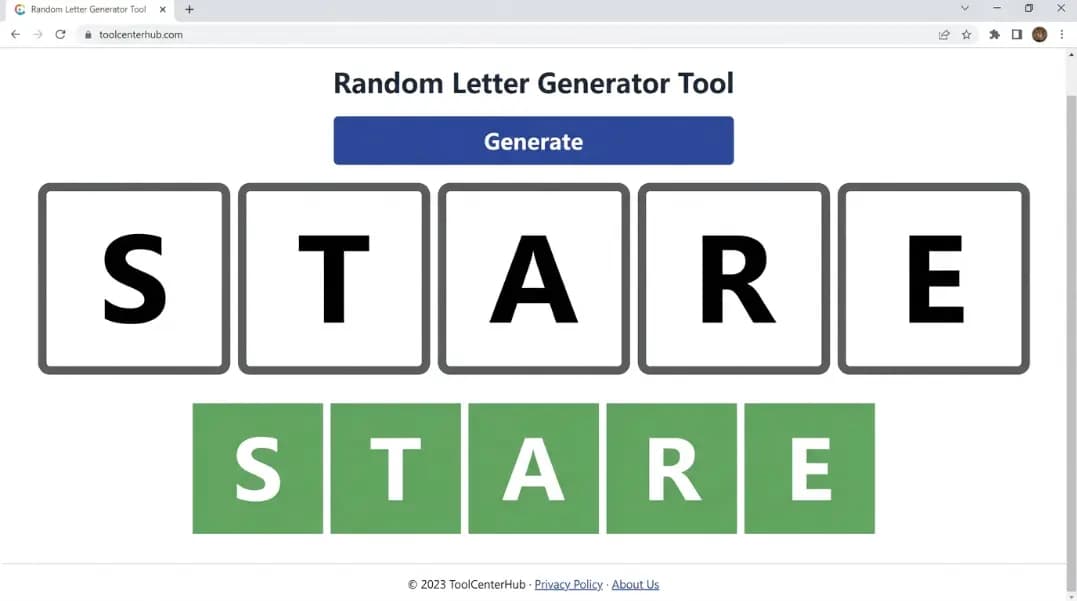
Random 5 Letter Word Generator: Wordle Practice and Word Games
E appears in 72% of 5-letter Wordle answers. How to use the random letter generator for Wordle practice, word game constraints, and anagram challenge formats.
11 min read
Random Letter Generator: Games, Learning, and Everyday Uses
Learn how to use a random letter generator for Scrabble, classroom drills, password creation, and coding, plus how to filter vowels, consonants, and case.
11 min read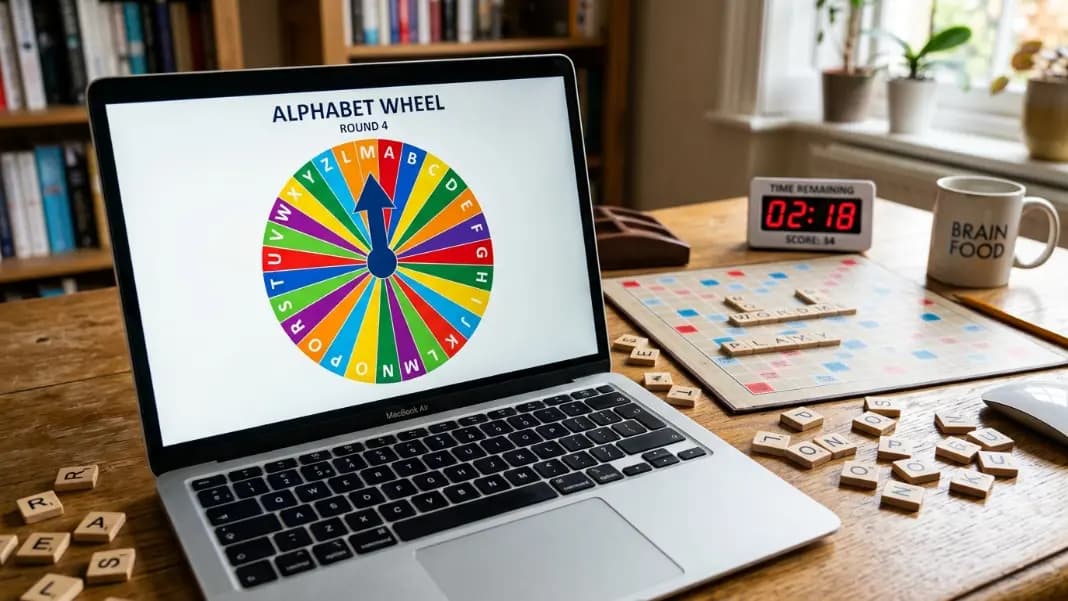
Letter Wheel Spinner: Random Letter Picker for Word Games and Classrooms
Spin a wheel to pick a random letter for Scrabble, word association games, classroom activities, and alphabet challenges. Includes vowel-only, consonant-only, and frequency-weighted letter wheel setups using the free wheel spinner.
11 min read