Free Strong Password Generator Online
This free strong password generator creates cryptographically secure random passwords instantly. Set any length from 8 to 64 characters, choose your character sets including symbols, and copy your password in one click. Use it as a secure password creator for new accounts, a random strong password generator for bulk credentials, or a strong password maker whenever an existing password needs replacing. No signup, no server, runs entirely in your browser.
What is a strong password?
- Length: at least 12 to 16 characters. Each extra character multiplies crack time exponentially, not linearly.
- Character variety: uppercase letters, lowercase letters, numbers, and symbols all present.
- Randomness: machine-generated, not human-chosen. Human-picked passwords follow predictable patterns that attackers exploit directly.
For a complete breakdown of what makes passwords fail, what attackers actually target, and how to manage credentials securely, see the strong password guide.
How to generate a strong password
- Set your desired password length using the slider. Start at 16 characters for most accounts.
- Enable all character sets: uppercase, lowercase, numbers, and symbols for maximum strength.
- Click Generate Password to create a cryptographically random result.
- Check the strength indicator and entropy rating shown below the password.
- Click Copy and save the password immediately in your password manager.
What makes a password strong
Three factors determine what makes a password strong: length, character variety, and unpredictability. Length has the largest single impact because each additional character multiplies the total number of possible passwords by the character set size. An 8-character password from a 95-character set has 95^8 possible values, roughly 6.6 quadrillion. A 16-character password from the same set has 95^16, which is approximately 4.4 × 10^31. Doubling the length does not double the work for an attacker. It squares it.
Character variety closes off specific attack classes. A password with only lowercase letters is vulnerable to a brute-force search through that 26-character space. Adding uppercase expands the space to 52. Adding digits takes it to 62. Adding symbols takes it to 95 or more. Unpredictability matters because human-chosen passwords follow patterns: dictionary words, names with a number suffix, capital first letter. Attackers precompute these patterns. A strong password generator that uses cryptographic randomness produces values outside all known pattern tables.
Strong vs weak password: what the difference looks like
Weak passwords are not just short. They are predictable. Attackers do not try every possible combination. They start with known patterns, dictionary words, names, dates, and data from previous breaches. A password your brain generated will almost always match something in those lists.
- Weak:
password123: dictionary word plus number suffix, cracked in milliseconds - Weak:
John1990!: name plus year plus symbol, covered in every targeted wordlist - Strong:
mK9#vRpL3@Xq: 12 characters, all types, no pattern, machine-generated - Strong:
Bq4$Wm8#Kz2@Rp6!: 16 characters, high entropy, impossible to guess
Strong password examples
The following strong password examples show the character pattern and structure of a properly generated password. These are format illustrations only. Do not use these exact values. Generate your own unique password using the tool above.
- 8 characters:
mK9#vR2!(minimum format, not recommended for sensitive accounts) - 12 characters:
mK9#vRpL3@Xq(mixed case, numbers, symbols distributed throughout) - 16 characters:
Bq4$Wm8#Kz2@Rp6!(four character types, no words or recognizable patterns) - 20 characters:
Tz5#Np8@Wq3$Km7!Bx2&(high-entropy, suitable for master passwords and admin accounts)
None of these examples contain words, keyboard sequences like qwerty or 12345, or date patterns. Symbols are distributed through the string rather than appended at the end, which is the predictable pattern most users fall into when manually adding symbols to satisfy requirements. Do not use these exact examples. Generate your own with the tool above.
Password best practices
Never create a password manually. Human brains are poor random number generators. Any password you invent yourself, even one that feels unpredictable, carries patterns from your memory: favorite words, significant dates, keyboard adjacency, character substitutions like @ for a. Attackers know and exploit all of these patterns in their wordlists and rule sets.
Use this tool for every new account and every password change. Store each generated password in a password manager so you never need to remember or type it. Enable two-factor authentication on all accounts that support it: even if a password leaks in a data breach, 2FA prevents account takeover. For accounts where you need to remember the password, such as your device login, generate a long password, write it down temporarily during setup, memorize it, then destroy the written copy. For a deeper guide covering password managers, breach response, and authentication strategy, see the strong password guide.
Strong password generator with symbols and custom options
This strong password generator with symbols lets you control exactly which character types are included. Toggle symbols on or off to match the requirements of specific services. Some older systems reject passwords containing certain symbols, so the ability to exclude them without reducing length is important. The length slider covers 8 to 64 characters, giving you the full range from minimum-compliance passwords to maximum-security master passwords.
The custom password generator options also include the ability to exclude ambiguous characters such as O, 0, l, and 1, which look similar in some fonts and cause transcription errors when passwords need to be entered manually. For passwords that are always pasted from a manager, leave all characters enabled for maximum entropy. The strength indicator updates in real time as you adjust settings, showing the entropy impact of each option change. Other security and developer utilities are available in the Developer Tools section.
How this random strong password generator works
The generator builds a character pool from the sets you enable, then calls the browser's crypto.getRandomValues() API to fill a Uint32Array of random integers equal to the requested length. Each integer is reduced modulo the pool size to select one character. This produces statistically uniform selection with no bias toward any character or position, unlike Math.random() which is seeded and predictable.
The entropy calculation multiplies log2(pool size) by the password length to give bits of entropy. A 16-character password from a 95-character set yields log2(95) × 16 ≈ 104 bits. For reference, the security community considers 80 bits sufficient against offline attacks with current hardware. If you need to hash stored passwords for a web application, the SHA hash generator handles SHA-256 and SHA-512 hashing client-side for testing and verification purposes.
Frequently asked questions
A strong password is one that is long, random, and uses a mix of character types. The three defining properties are: length of at least 12 to 16 characters, character variety including uppercase letters, lowercase letters, numbers, and symbols, and unpredictability meaning it was generated randomly rather than chosen by a human. Human-chosen passwords follow predictable patterns such as dictionary words, names, and number suffixes that attackers exploit directly.
Set the length to at least 16 characters, enable all character types (uppercase, lowercase, numbers, symbols), and click Generate. The tool uses your browser's crypto.getRandomValues() API to produce a cryptographically random result. Copy the password and save it in a password manager rather than writing it down. Generate a new password for every account rather than reusing the same one.
Strong passwords combine all character types with no recognizable words or patterns. Examples of the format a strong password follows: a 12-character example might look like mK9#vRpL3@Xq, a 16-character example like Bq4$Wm8#Kz2@Rp6!, and a 20-character example like Tz5#Np8@Wq3$Km7!Bx2&. These show the structure: mixed case, interspersed symbols and numbers, no words. Do not use these exact examples. Generate your own unique password using this tool.
At 16 characters with all character sets enabled, each password has approximately 104 bits of entropy. Entropy above 80 bits is beyond the reach of all known offline brute-force attacks with current hardware. At 12 characters the entropy is around 79 bits, which is considered strong for most accounts. The strength indicator on the generator shows the exact entropy for your current settings.
NIST guidelines recommend a minimum of 16 characters for new credentials on sensitive accounts such as banking, email, and primary accounts. For most personal accounts, 12 characters with full character set diversity is acceptable. For a master password protecting a password manager, 20 or more characters is recommended since that single password protects all others. This generator supports lengths up to 64 characters.
The generator includes a strength indicator that calculates entropy based on the password length and character set size. It shows whether the generated password meets weak, fair, strong, or very strong thresholds. This gives you a reliable measure of password strength for passwords generated here. For checking an existing password you already use, the strength calculation applies the same entropy formula against its length and character diversity.
No. All password generation runs in your browser using local JavaScript. No generated password is transmitted to any server. The recent history shown on the page is stored in browser memory only and clears when you close or reload the tab. There is no backend, no analytics on generated values, and no way for anyone other than you to see any password produced by this tool.
Yes. This is a completely free strong password generator with no account, no signup, and no usage limits. You can generate as many passwords as you need at any length up to 64 characters with any combination of character sets. It runs entirely in your browser with no download required.
Related articles
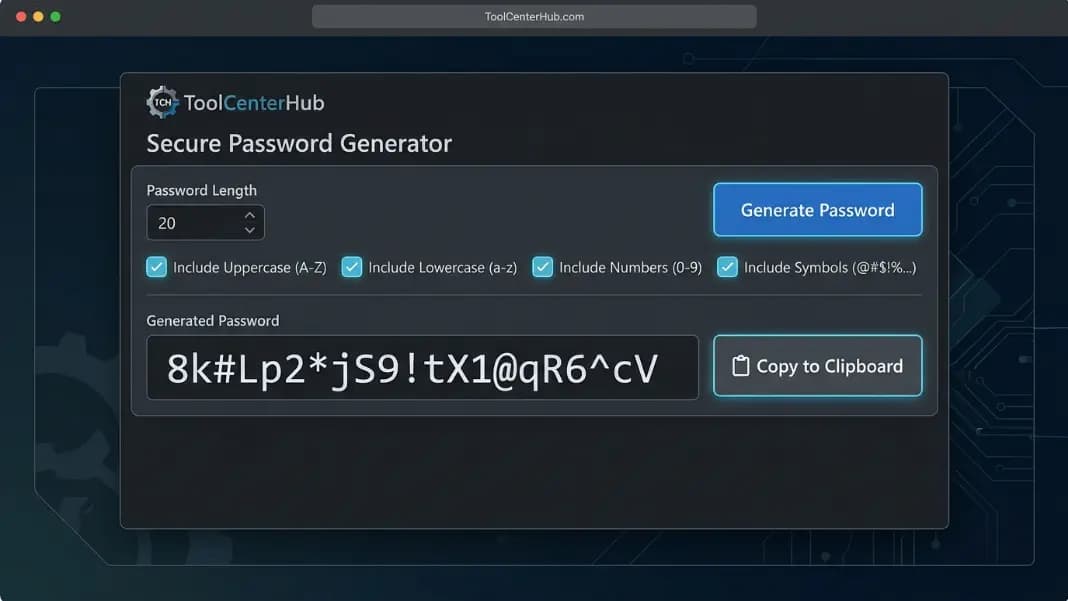
Strong Password Generator: What Makes a Password Impossible to Crack
Generate strong passwords free and learn what makes them uncrackable: character length, entropy, character sets, and why randomness beats any pattern.
10 min read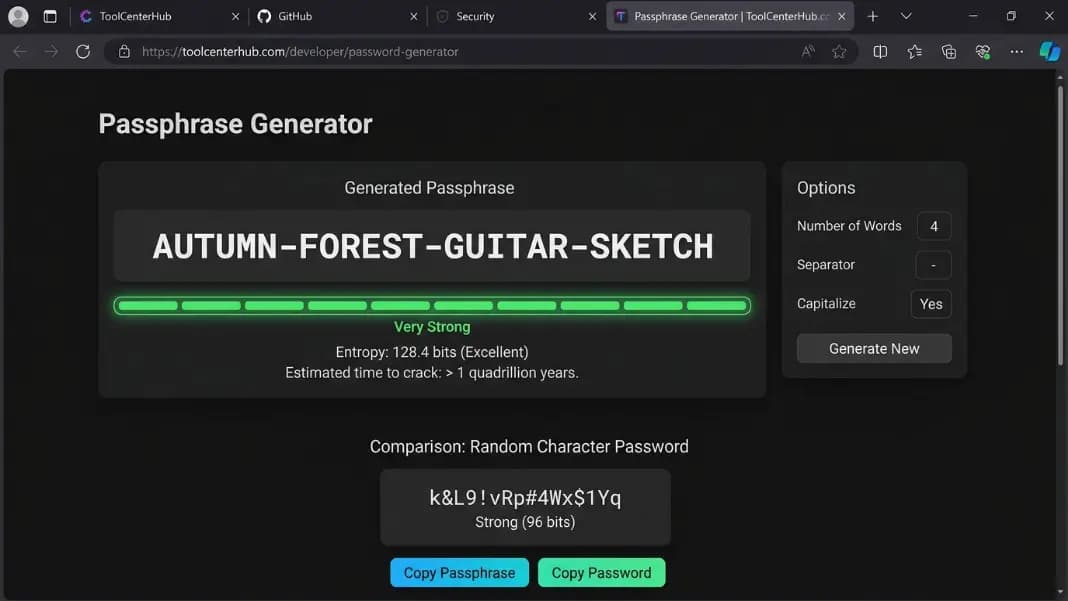
Passphrase Password Generator: Secure and Memorable Passwords (XKCD Method)
Learn what a passphrase password is, why it beats random passwords for memorability, and how the XKCD method works. Create strong passphrases you can actually remember.
9 min read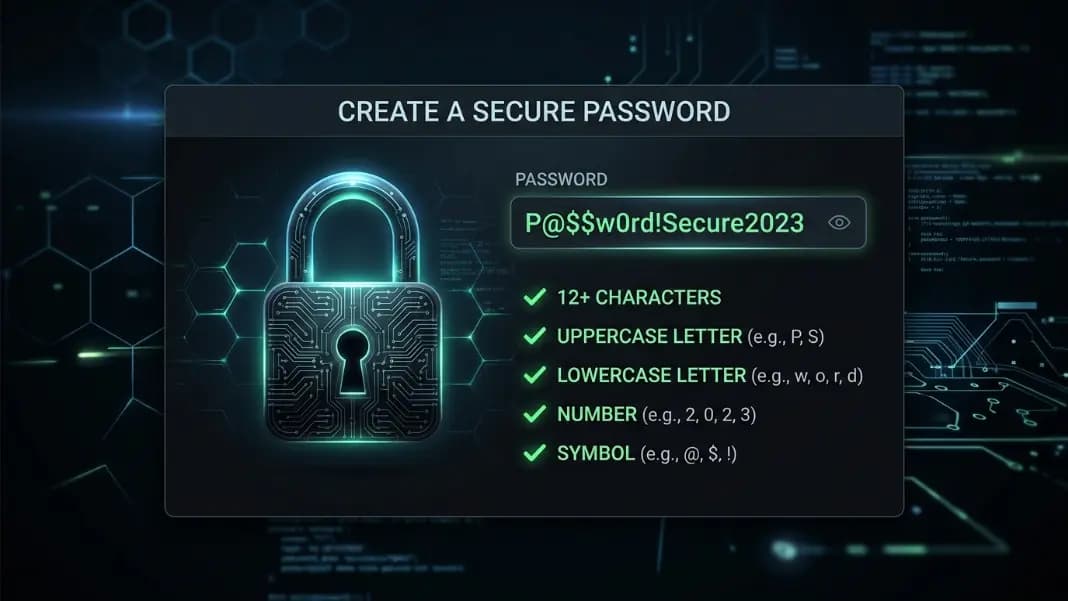
How to Create a Strong Password: Examples, Rules, and a Free Generator
Learn what makes a password genuinely strong, see real strong password examples, and use a free strong password generator. Step-by-step guide with rules that actually work.
9 min read