Most passwords people create are not strong. Not because people are careless, but because the instincts people use when inventing passwords are exactly the instincts that cracking tools are built to exploit. Adding an exclamation mark to "Football2023" does not make it strong. Capitalizing the first letter of "password" does not either.
This guide covers what a strong password actually is, the specific rules that separate secure passwords from weak ones, how to create strong passwords step by step, and how to use a free strong password generator when you need one in a hurry.
What is a strong password
A strong password is one that a computer cannot guess quickly through automated attack and that another person cannot guess by knowing things about you.
The definition has four components:
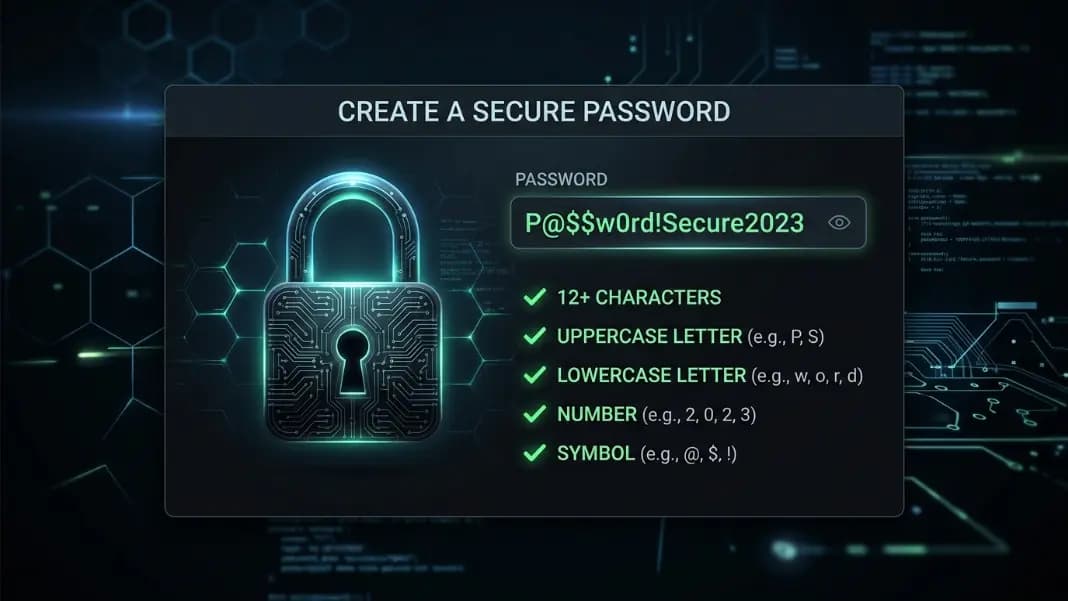
- Length: At least 12 characters, ideally 16 or more
- Complexity: A mix of uppercase letters, lowercase letters, numbers, and symbols
- Uniqueness: Used on exactly one account, never repeated elsewhere
- Unpredictability: Not based on dictionary words, names, dates, or any personal information
A password that satisfies all four is a strong password. Most passwords people create satisfy one or two conditions and fail on the rest.
"Summer2024!" has length and some complexity, but it uses a dictionary word, a predictable capitalization pattern, a year suffix, and a symbol suffix. Password cracking tools know these patterns. A list of the 100 most common password templates would include this structure.
A genuinely strong password looks like this: Kq7!vM2$nL9@wB4#. There are no dictionary words, no predictable structure, and the only way to arrive at it is to know it exactly.
What makes a password strong
Length is the most important factor, and it is the one most people underestimate.
An 8-character password using all four character types has around 6.6 quadrillion possible combinations. That sounds like a lot. Modern password cracking hardware can test billions of combinations per second. A standard 8-character password can be cracked in hours. A 16-character password using the same character types has approximately 10^30 combinations. At the same cracking speed, that takes longer than the age of the universe.
Length alone is powerful. A 20-character password made of random lowercase letters is stronger than a 10-character password using all four character types.
After length, here is what matters:
No dictionary words. Cracking tools run dictionary attacks before brute force. If your password contains any recognizable word in any language, the attacker gets a significant head start. This includes obvious substitutions like "p@ssword" and "s3curity."
No personal information. Your name, your pet's name, your birth year, your city, your favorite team. These are the first things anyone tries when targeting your account specifically. They are also the first things automated tools try after pulling data from social media or previous breaches.
No common patterns. Replacing "a" with "@" or "e" with "3", adding "123" at the end, capitalizing only the first letter. These substitutions are common enough that cracking tools apply them as default rules.
No reuse. Using the same strong password on two accounts cuts its effective security in half. Use it on ten accounts and one breach anywhere compromises all ten.
Strong password examples
Looking at actual examples makes the difference concrete.
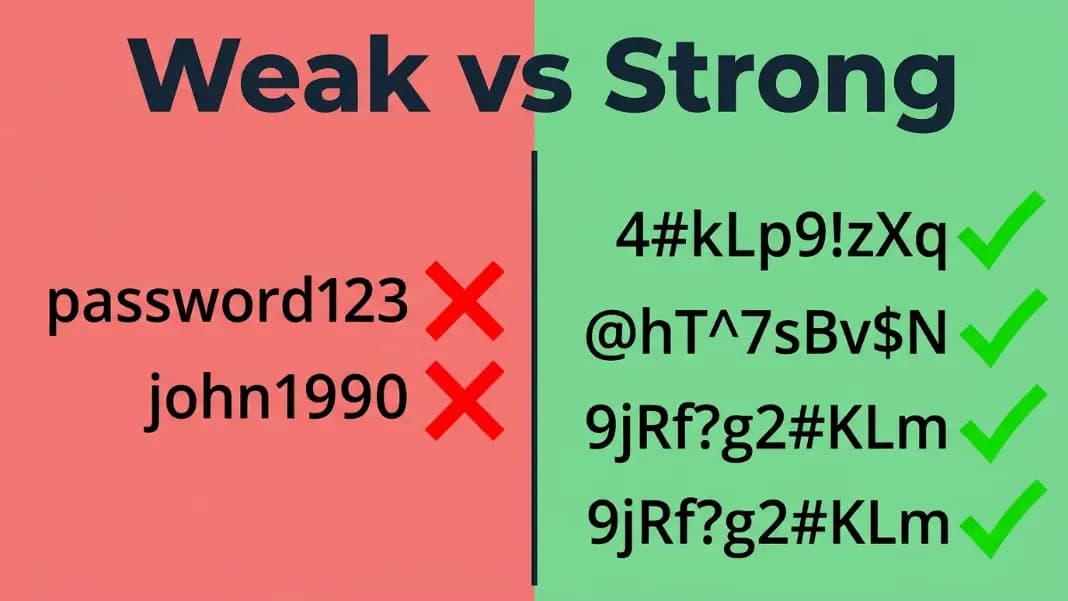
Weak passwords and why they fail:
| Password | Problem |
|---|---|
| password123 | Dictionary word with common number suffix |
| John1990! | Name plus birth year plus symbol |
| qwerty123 | Keyboard pattern |
| Football2023 | Dictionary word with year suffix |
| P@ssw0rd | Common substitutions on the word "password" |
| 123456789 | Sequential numbers only |
Strong passwords and what makes them strong:
| Password | Why it works |
|---|---|
| Kq7!vM2$nL9@wB4# | 16 characters, random, all four character types |
| Mb$8wP!nXq3@Ky7& | 16 characters, random, no recognizable patterns |
| xT!3pN@9mQ$5rW2^ | 16 characters, fully random mix |
| Pencil-Galaxy-Soup-Harbor-7! | 28 characters, passphrase, length compensates for words |
The passphrase example deserves a note. Four random, unrelated words strung together create a long password that is genuinely unpredictable (the words have no connection to each other or to you) and possible to remember through association. The length compensates for using recognizable words. Adding a number and symbol satisfies most system requirements. If this approach interests you, the passphrase password generator guide for an even stronger approach.
For accounts you do not need to type from memory, a randomly generated 16+ character password beats a passphrase on pure security. Use passphrases when you need to memorize. Use generated passwords for everything else.
For the accounts that matter most, email, banking, work systems, anything with payment information, strong passwords should start at 16 characters and use fully random generation. The password generator produces passwords at any length you choose and creates a new random one every time you click.
How to create a strong password step by step
Here is a reliable process for creating strong passwords, whether you are doing it manually or with a generator.
Step 1: Set a minimum length.
Start with 16 characters as your floor for any account that matters. For low-stakes accounts (forums, newsletter sign-ups), 12 characters is acceptable. For email, banking, and work accounts, use 20 characters or more.
Step 2: Include all four character types.
Most systems require at least one of each. Your passwords should include uppercase letters, lowercase letters, numbers, and symbols regardless of whether the site enforces it. Systems that do not enforce this are giving you weaker protection whether you notice or not.
Step 3: Generate rather than invent.
Human-created passwords follow patterns even when people try to avoid them. The capital letter goes first. The number goes second-to-last. The symbol is an exclamation mark. People reach for the same symbols because they are easy to type. Automated tools account for all of these tendencies.
A password generator removes the human pattern entirely. It creates random passwords at whatever length and character set you specify. Each result is different, with no predictable structure.
Step 4: Store it in a password manager.
The argument against strong passwords is always the same: you cannot remember a 16-character random string. You do not need to. A password manager stores every password and fills it automatically. You only need to remember one strong master password for the manager itself. For a full comparison of how the two tools fit together and when to use each, the password manager vs password generator guide covers the decision in detail.
Step 5: Use a unique password for each account.
Generate a new password for every account. With a generator and a manager, this takes under a minute. Without it, one breach at any site you use gives attackers the credentials to everything else.
Step 6: Prioritize existing weak passwords.
If you have accounts with weak passwords, update the highest-risk ones first. Email and banking accounts first, then work systems, then anything with a saved payment method.
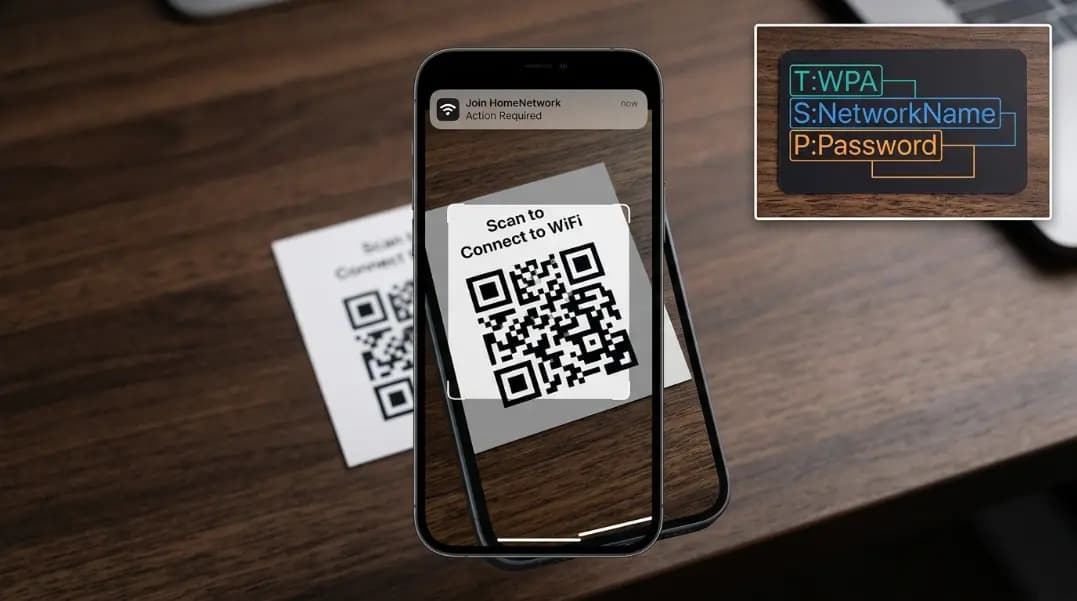
For Wi-Fi passwords, a strong Wi-Fi password follows the same rules as any other account. Since you only type it once during device setup, there is no reason to use anything under 20 characters. The developer tools section has the generator alongside other security utilities you can use without any account or installation.
Strong password ideas and strategies
If you need a password you can type from memory, here are strategies that produce strong results without a generator.
The passphrase approach. Pick four or more words with no connection to each other or to you. Add a number and symbol somewhere in the middle. "Pencil-Galaxy-Soup-Harbor-7!" has 28 characters, no personal information, and can be remembered through mental imagery. It is not as strong as a fully random password of the same length, but it is far stronger than any word-based password people typically invent.
The sentence approach. Take a sentence you will remember and use the first letter of each word, replacing some letters with numbers and symbols. "My dog ran three miles every morning in 2022" becomes "Mdr3mem2022" at 11 characters. Use a longer sentence and include more substitutions for a stronger result.
The random word approach. Use a dice or random number generator to select words from a large word list and combine them with numbers and symbols. This eliminates the unconscious biases that come with choosing words yourself.
These strategies work well for passwords you genuinely need to type regularly, like a computer login or a phone PIN. For everything else, generated passwords stored in a password manager are more secure and take less mental effort.
How to check if your password is strong
After creating a password, checking it against a clear standard tells you whether it meets the bar.
The checklist:
- Is it at least 12 characters? (16 or more for important accounts)
- Does it contain uppercase letters, lowercase letters, numbers, and symbols?
- Does it contain any dictionary word in any language, including with substitutions?
- Does it include your name, a relative's name, a pet's name, a birth year, or a city?
- Is it used on any other account?
- Does it follow any recognizable pattern?
A password passes if it meets the first two and fails all the last four. That is a strong password by any standard.
A useful practical test: could someone who knows you well guess your password in 1,000 tries? If there is any real chance of that, the password needs to be replaced.
Online password strength tools can measure entropy and estimate crack time, which gives you a number to reference. The checklist above is more useful for catching the specific patterns that tools sometimes miss.
Common mistakes that weaken passwords
Understanding what makes a password weak helps avoid the patterns that undermine well-intentioned ones.
Adding complexity to a weak base. Taking a dictionary word and wrapping numbers and symbols around it does not create a strong password. It creates a weak password with extra steps. Cracking tools apply these transformations automatically as part of standard dictionary attacks.
Rotating between a small set of passwords. If you use three or four passwords across all your accounts, a breach at one service gives attackers a strong guess for every other account. They will try the found password and obvious variations immediately.
Using personal information as a memory aid. Birth years, addresses, pet names, and sports teams feel like good passwords because they are meaningful to you. That same personal meaning makes them predictable to anyone researching you or running a targeted attack.
Making minimal changes when forced to update. When a site requires a password change, changing one character preserves almost all the original risk. Create a new password rather than modifying the old one.
Trusting a site's password strength meter. Many strength meters score based on length and character types without checking for dictionary words or common patterns. A password can score 100% on a meter and still be crackable in minutes if it follows a recognizable template.
Use a free strong password generator
The fastest way to create a strong password is to use a generator. A strong random password generator removes human pattern-making from the process and produces results that are genuinely hard to crack.
The strong password generator runs entirely in your browser. Set the length, choose which character types to include, and click generate. You get a different random password each time. The generator uses your browser's built-in crypto.getRandomValues() API, which draws entropy from the same system-level sources used in cryptographic applications. No passwords are sent to any server, and nothing is logged.
Practical settings for different account types:
- Normal accounts: 16 characters, all four character types
- Email and banking: 20+ characters, all four character types
- Wi-Fi passwords: 20+ characters, avoid symbols if your router has encoding issues
- Master password (memorized): Use a four-word passphrase you can remember, 25+ characters
The target state is not knowing any of your passwords except your password manager's master password. Every other password should be randomly generated, stored, and filled automatically. That setup makes every account independently secure, so a breach anywhere does not cascade to everything else.
Strong password generator tools remove the friction from getting there. Use one, store the results in a manager, and the hardest part of password security becomes a two-click habit.