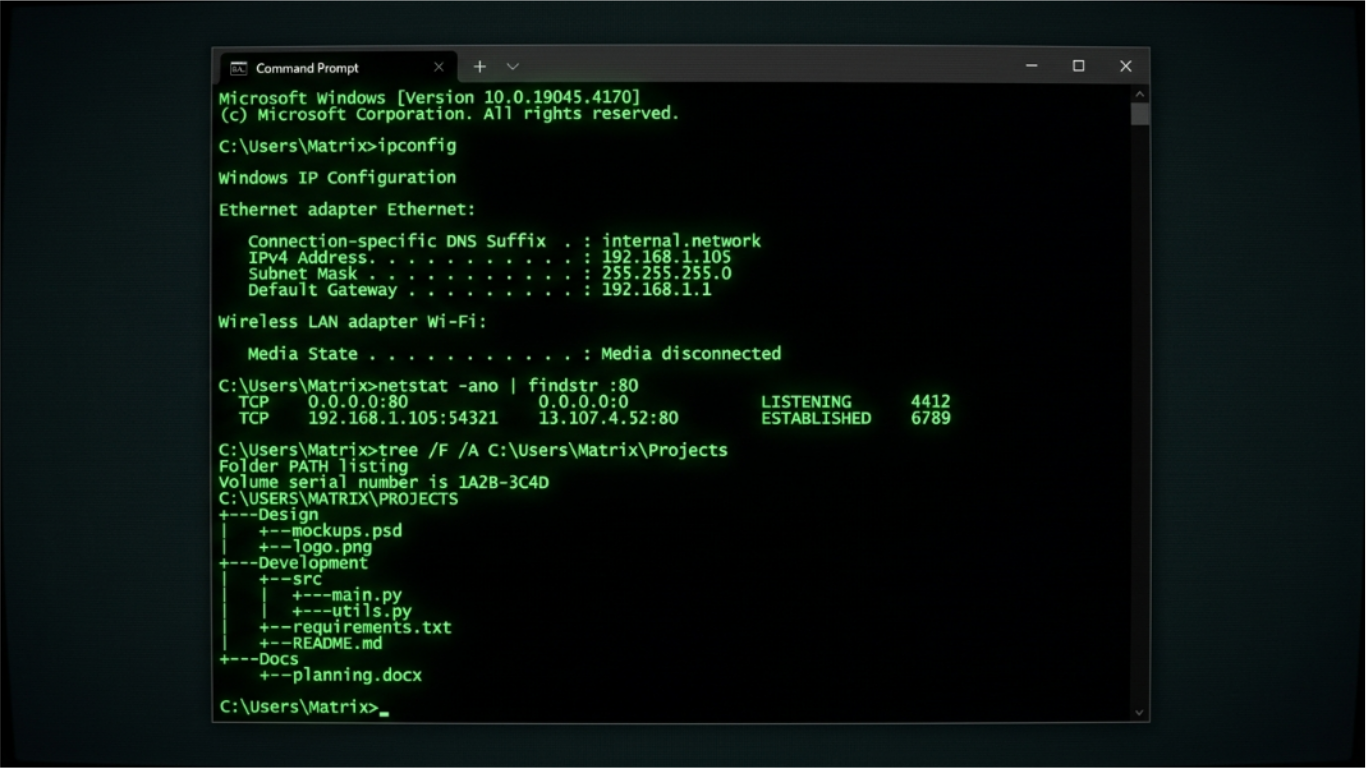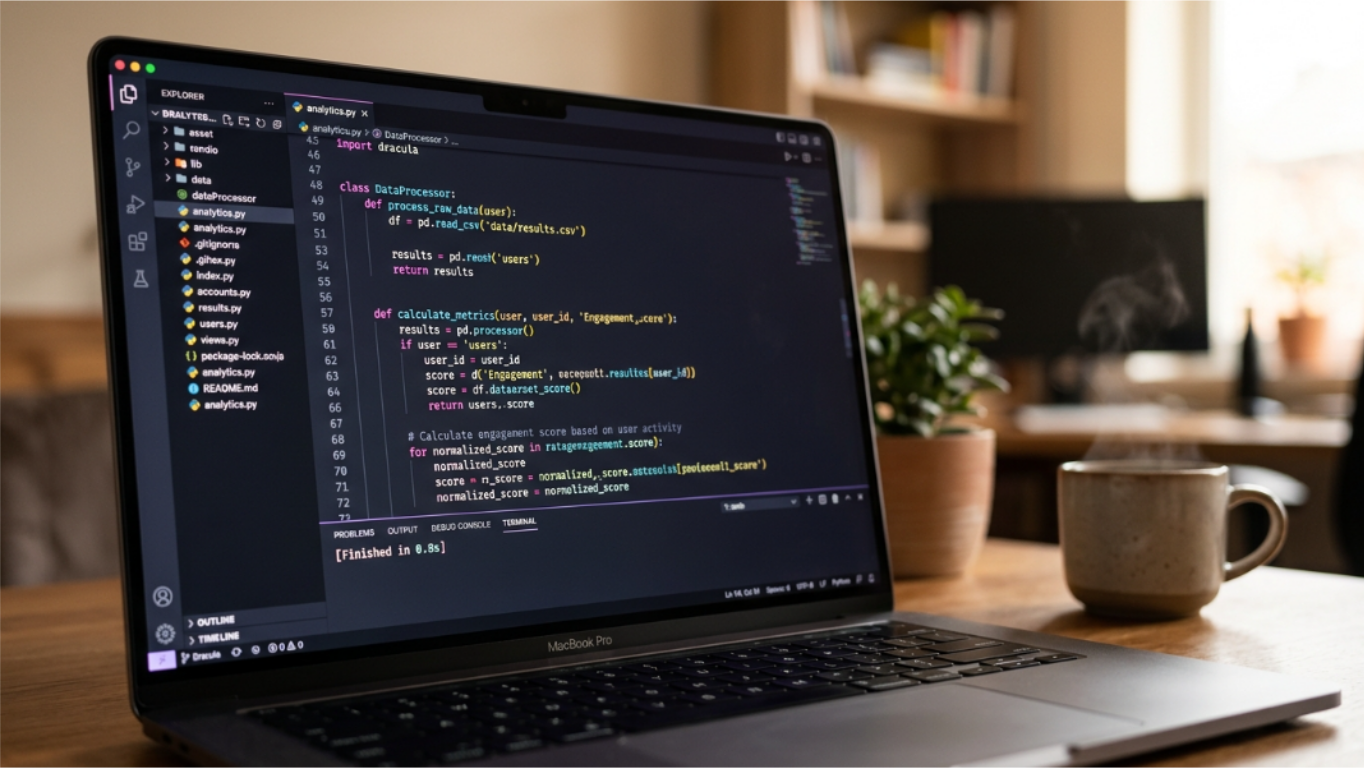
A fake code generator is exactly what it sounds like: a tool that produces the visual appearance of someone actively programming without requiring you to write actual code. The output looks like real source code, the screen fills as you type, and anyone watching sees a person intensely coding at what appears to be a complex technical task.
These tools are more widely used than most people realize, and the use cases go well beyond simple pranks. This guide covers what fake code generators are, who actually uses them, how they work technically, and how to get the best results from them.
What a fake code generator is and is not
A fake code generator produces visual output that resembles programming. The critical distinction is that the output does not execute, does not connect to any system, and does not represent any actual computation. It is a display tool, not a coding environment.
The best fake code generators use real source code as their content base. Rather than generating random strings that vaguely resemble code, they pull from actual files in established codebases, usually open-source projects like the Linux kernel, GNU utilities, or other widely distributed software.
This distinction matters for how convincing the output looks. Code generators that use real source produce output that a developer would recognize as legitimate syntax, real function names, actual data structures, and genuine programming patterns. A generator that produces random fake-looking text fails immediately when someone who codes looks at the screen.
The Hacker Typer tool uses Linux kernel source code specifically because the kernel is written in C, which is dense, technical, and visually complex. A screen of kernel C code with struct definitions, pointer arithmetic, and kernel-specific macros looks authoritative to anyone who codes and incomprehensible to anyone who does not.
Who actually uses fake code generators
The user base is more varied than you might expect.
YouTubers and content creators: This is probably the largest use case. Tech YouTube channels use fake code backgrounds constantly in thumbnails. The "person typing urgently at a screen full of code" is one of the most common thumbnail formats in the tech category. Most of those thumbnails use a fake code generator or a screenshot of existing code, not the creator actually writing something.
Film and TV productions: Productions of all budget levels need screens that look like active coding or hacking. There is a long history behind why this visual works so well on camera, and browser-based generators are the most practical way to get it for free.
Presenters and educators: People giving presentations about software, security, or technology sometimes use fake code as a visual backdrop rather than showing actual proprietary code. It adds texture to slides without exposing real codebases.
Social media content: "I am coding" is a common format for tech-adjacent social media content. Some creators use fake code generators to produce the visual while talking about other topics.
People who just enjoy it: The typing experience of a fake code generator, watching a screen fill with convincing technical output in response to your keystrokes, is satisfying in its own right. Some people run Hacker Typer in a coffee shop just for the experience.
How the fake code generator mechanism works
The technical implementation is straightforward. A large string of source code is stored in the tool's JavaScript. A position counter tracks how far through the string the user has progressed. When a keypress event fires, the counter advances by a few characters and the new slice of code is appended to the display.
The number of characters added per keypress is usually randomized within a small range, two to five characters for example, which prevents the output from advancing at a perfectly mechanical rate. Random advancement mimics the slightly uneven rhythm of actual typing more convincingly than a fixed number of characters per key.
The display itself uses a monospace font, a dark background, and usually a bright text color. Monospace fonts are required for code to look like code. The horizontal alignment of characters in monospace fonts creates the visual grid structure that makes code readable. Proportional fonts break this structure and immediately read as non-code.
The cursor blink is another detail that matters. A blinking block cursor at the end of the output is the standard terminal cursor style. It adds life to the display and signals that the terminal is active and waiting for input.
The visual components that make code look convincing
Getting a fake code screen to look genuinely convincing requires attention to a few specific details.
Syntax coloring: Real code editors use color to distinguish between different syntactic elements: keywords in one color, strings in another, comments in a third, function names in a fourth. A screen of entirely monochrome code reads as a text file, not a code editor. The most convincing setups use at least some color differentiation.
Indentation structure: Real code has a hierarchical indentation structure. Functions contain indented bodies. Conditions contain indented branches. Loops contain indented iterations. A screen where every line starts at the same column position reads as data, not code.
Line length variation: Real code has lines of varying lengths. Some are short (a closing brace), some are medium (a variable declaration), some are long (a function call with multiple arguments). Uniform line lengths look artificial.
Realistic identifiers: Variable names, function names, and type names in real code are specific and meaningful. They reflect the domain of the software. tcp_sock, kmalloc, sk_buff are names from the Linux networking stack. They read differently than variable1, function2, or data3.
The Linux kernel code used in Hacker Typer satisfies all four criteria. It has implicit coloring through the terminal's text color, strong indentation structure throughout, natural line length variation, and deeply domain-specific identifiers from decades of kernel development.
Setting up the fake code screen for different use cases
The right configuration depends on what you are trying to achieve.
For a YouTube thumbnail: Take a screenshot while the code is displaying at a point where the screen is full but not scrolled out of view. You want a dense screen of code with no empty areas. The fullscreen mode removes browser chrome. Crop to the proportions you need for your thumbnail template.
For B-roll video footage: Record in fullscreen mode with browser chrome hidden. Type at a consistent rhythm so the code advances steadily rather than in bursts. If you want the footage to loop, record long enough that you have at least thirty seconds of clean footage to work with.
For a presentation background: Take a screenshot of the code at full density and use it as a slide background with your text overlaid. The dark background with bright text creates good contrast for white or light-colored overlay text.
For a prank: Fullscreen mode, steady typing, confident posture. There is more to pulling it off convincingly than just having the screen up.
For mobile use: Tap the terminal area to focus the hidden input, which brings up your software keyboard. Any typing then advances the code output. The mobile experience is functionally identical to desktop once the keyboard is active.
Making your programming screen look more impressive in general
Beyond fake code generators, there are real approaches that make an actual coding setup look and feel more professional.
Use a dark theme: Every major code editor ships with dark themes. Dark themes with syntax coloring look better on camera and are associated with professional development environments. Light themes read as document editing.
Use a coding font: Fonts designed for code have features that improve readability and aesthetics. Fira Code, JetBrains Mono, Cascadia Code, and Monaspace all support programming ligatures that render character combinations like => and != as single connected glyphs.
Increase font size: For screen recording or streaming, increase your editor's font size above what you use for normal work. Code needs to be legible at streaming resolutions and on different screen sizes.
Organize your layout: Two panes side by side, or a split between your editor and a terminal, reads as professional. A single maximized editor window reads as beginner.
Run something in the terminal: An active terminal running a build process, a test suite, or a log tail adds life to the screen. Even top showing system resource usage adds a professional layer to the setup.
The difference between fake code and real code aesthetics
A developer looking at a screen can usually tell the difference between a fake code generator and someone actually coding, but not always for the reasons you might expect.
The giveaway is usually not the code content but the behavior. When you are actually coding, you pause, scroll back, select text, delete lines, move the cursor around, and reference documentation. The screen does not just fill linearly from left to right.
A fake code generator, by contrast, advances the display in one direction only: forward. The cursor never moves backward, text is never deleted, the user never scrolls to review earlier output.
For convincing a non-technical audience, this distinction does not matter. For convincing someone who codes, the interaction pattern is the tell, not the content.
Why people react to a screen of code the way they do comes down to a visual language with roots in 1970s hardware that Hollywood spent decades reinforcing.
Why real Linux kernel code is the best fake code source
The choice to use Linux kernel C code as the source material in Hacker Typer is not arbitrary.
The Linux kernel codebase has several properties that make it ideal for this use case. It is public domain and freely available without licensing concerns. It is written in C, which is syntactically dense and visually complex compared to higher-level languages. The domain-specific vocabulary (socket buffers, interrupt handlers, memory pages, network protocols) is unfamiliar enough to non-developers to read as exotic but familiar enough to developers to read as legitimate.
The specific files used (networking stack, memory allocation, socket implementation) are also the most immediately relevant to what people imagine hackers doing. Code that manages network connections and memory allocation reads more like "hacking" than code that renders a user interface or sorts a list.
Compare this to generating Python or JavaScript, which most people have encountered in tutorials or web development contexts. Python's plain-English-like syntax reads as approachable rather than formidable. JavaScript's association with websites makes it feel less like a hacker tool and more like something a web designer would write.
Kernel C code hits the right balance: real, complex, unfamiliar to most people, and directly related to system-level operations that map onto the cultural concept of hacking.
For other developer tools that do real technical work, including hash generators, base64 encoding, JSON formatting, and UUID generation, visit the developer tools collection.