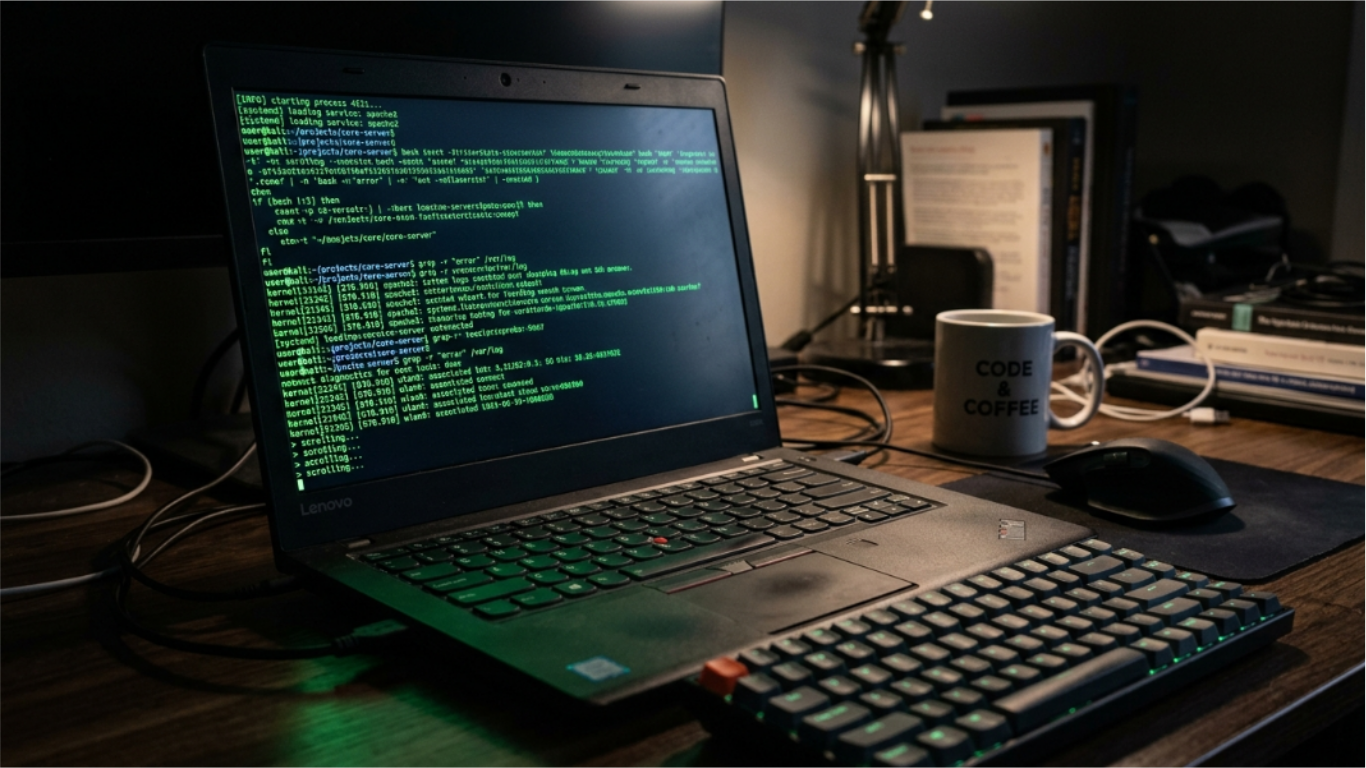
Hacking simulator tools are some of the most visited pages on the internet, and for good reason. They serve a surprisingly wide range of real use cases: YouTube thumbnails, film and TV productions, classroom demonstrations, pranks, and just the satisfaction of having a screen that looks like you know exactly what you are doing.
This guide covers the best free hacking simulator tools available online in 2026, what each one does well, where they fall short, and which one to use depending on what you actually need.
What a hacking simulator actually is
A hacking simulator is a browser-based tool that generates the visual and auditory experience of hacking without actually doing anything to any system. They produce realistic-looking terminal output, scrolling code, network data, or dramatic visual effects when you type or interact with them.
The term "simulator" is accurate. These tools simulate the appearance of hacking, not the function. No data is accessed, no networks are probed, and no systems are compromised. The output is either pre-written code pulled from real sources (like Linux kernel code), procedurally generated text that looks technical, or scripted animations.
The best ones use real source code as their output material, which is why the text they generate looks genuinely convincing. A developer reading the output would recognize it as actual code, which makes the effect hold up even to people who know what real code looks like.
Why people use hacking simulators
The use cases break down into a few clear categories.
Content creation: YouTube channels covering cybersecurity, tech news, or hacking tutorials use simulator tools to create visual backgrounds for thumbnails and B-roll footage. A screen full of scrolling terminal code is a universal shorthand for "technical content."
Film and TV production: Independent filmmakers and student productions use browser-based simulators as an inexpensive alternative to commissioning custom hacking interfaces. The tools produce convincing output that works for low-to-mid budget productions.
Classroom demonstrations: Teachers in technology, cybersecurity, and computing courses use simulators to introduce students to the idea of terminal interfaces and system-level tools without needing to set up actual lab environments.
Pranks and social situations: Setting up a convincing hacker screen before a coworker walks by, or bringing a laptop to a coffee shop and letting the screen do its work, is a long tradition. The simulator provides the tool, the timing is up to you.
Personal enjoyment: Some people just enjoy the experience of typing and watching a screen fill with convincing technical output. The satisfaction of the hacker typer experience is its own valid use case.
The best free hacking simulator tools compared
| Tool | Output style | Mobile support | Customizable | Best for |
|---|---|---|---|---|
| Hacker Typer (ToolCenterHub) | Real Linux kernel C code | Yes | No | Realistic code output |
| GeekTyper | Multiple interfaces (Matrix, NASA, etc.) | Partial | Yes | Themed experiences |
| Hackertyper.net | Mixed code output | Yes | No | Quick setup |
| Hacking Simulator (various) | Animated fake terminals | Limited | Limited | Visual effect only |
| Pranx.com | Multiple prank screens | Yes | No | Prank scenarios |
Hacker Typer: the most realistic code output
The Hacker Typer tool on ToolCenterHub uses actual Linux kernel source code as its output material. When you press any key, the terminal fills with real C code pulled from files like kernel/groups.c, net/ipv4/tcp_ipv4.c, and net/socket.c.
This matters because the output is not procedurally generated gibberish. It is actual function signatures, memory allocation code, network stack implementation, and kernel-level system calls. A developer reading your screen would see real code, not nonsense.
The tool works on both desktop and mobile. On desktop, any keypress advances the output. On mobile, you tap the terminal to focus it and then type on your software keyboard. The fullscreen mode removes all browser chrome and fills your entire screen with the terminal output, which is the setup you want for maximum effect.
The triple-Shift easter egg adds an "ACCESS GRANTED" overlay that has become a recognizable cultural moment for people familiar with the tool. The Hacker Typer access granted guide covers the exact shortcut timing, every code type option, and how to configure the settings before using it.
GeekTyper: themed hacking experiences
GeekTyper takes a different approach. Rather than one realistic terminal, it offers multiple themed interfaces: a Matrix-style falling code effect, a NASA-style mission control interface, a Windows-style system, and others.
The themes are more stylized and less realistic than a plain terminal with actual code, but they work better for specific contexts. If you need something that visually reads as "government system being hacked" rather than "developer terminal," the themed interfaces serve that better.
The customization options let you adjust what appears on screen, which is useful for productions that need specific visual elements.
Hackertyper.net: the original
Hackertyper.net is the original site that popularized the hacker typer concept. It predates most alternatives and has been referenced in countless news articles, Reddit threads, and YouTube videos.
The output is a mix of code and technical-looking text. It works for the basic use case but the code quality is lower than tools using actual kernel source. For a quick prank or a casual demonstration, it works well. For content where someone might look closely at the code on screen, the ToolCenterHub version produces more convincing output.
Pranx and themed prank simulators
Pranx.com and similar sites focus specifically on the prank use case with interfaces designed to shock or impress observers: fake FBI warnings, fake system encryption screens, fake virus alerts, and fake hacking progress bars.
These are designed for comedic or shock value rather than realism. A developer or technical person will immediately recognize them as fake. For general audiences and casual pranks, they work well. For content creation or film production where sustained believability matters, they fall short.
If pranks are the goal, getting the setup and timing right makes the difference between a genuine reaction and a confused look.
Which simulator works best on mobile
Mobile support varies significantly across these tools. The main challenge is that most hacking simulators rely on keyboard input, and mobile browsers only show the software keyboard when a text input is focused.
The Hacker Typer tool handles this with a dedicated "Tap to Type" button that focuses a hidden input element, bringing up the mobile keyboard. Once the keyboard is up, any typing advances the terminal output exactly as it does on desktop.
Fullscreen mode on mobile also works via a CSS overlay approach that covers the browser chrome, since iOS Safari does not support the native Fullscreen API. The result is a genuine full-screen hacker terminal experience on iPhone and Android without needing to install anything.
For tools that depend on keydown events without a mobile fallback, you will get nothing when you tap the screen on a phone.
Terminal typer tools vs hacking simulators
There is a distinction worth making between terminal typer tools and full hacking simulators.
A terminal typer is focused specifically on the typing experience: you press keys and the screen fills with code or text. The experience is about the input-output relationship and the satisfaction of watching the screen fill.
A hacking simulator is broader. It might include progress bars, fake network scans, status messages, timed countdowns, and animated elements that run without any user input.
Both serve the same general purpose, but terminal typers produce more realistic-looking output while simulators produce more dramatic visual experiences. For sustained content or film use, terminal typers hold up better under scrutiny. For quick visual impact, simulators deliver faster.
How to use a hacking simulator for video content
If you are using a simulator for a YouTube thumbnail or B-roll footage, a few things make the footage more usable.
Record at a higher resolution than your output format. If you are producing 1080p content, record at 1440p or 4K and scale down. This gives you room to crop and reframe.
Use the fullscreen mode so there is no browser chrome in the frame. A visible browser toolbar immediately reads as "person browsing a website" rather than "hacker in a terminal."
Type at a consistent rhythm. Erratic typing speed looks unnatural on camera. Practice a steady rhythm before you record.
Position your camera so the screen is sharp and legible. Blurry terminal text loses the effect because the viewer cannot read the convincing technical content.
The reason these screens read as credible comes down to a visual language that film spent decades building into audiences before any of these tools existed.
Simulators vs actual hacking knowledge
It is worth being direct about what these tools are and are not.
Hacking simulators produce the visual experience of hacking without any of the technical substance. Pressing keys in Hacker Typer does not teach you anything about how the Linux kernel works, how network connections are established, or how security vulnerabilities are exploited.
If you are interested in actual cybersecurity knowledge, the path involves learning networking fundamentals, understanding how operating systems work at a system-call level, and practicing with real tools in controlled environments like CTF (Capture the Flag) competitions or lab platforms like HackTheBox.
The tools above are for entertainment, content creation, and situational amusement. They are excellent at what they do. Just be clear-eyed about what they actually are.
For a starting point on understanding real hacking concepts without the simulator shortcut, look at the foundational resources available through cybersecurity communities and educational platforms.
You can explore more tools in the developer tools collection for utilities that do actual technical work: hash generators, JSON formatters, UUID generators, and IP address lookups, among others.