Group decisions stall when whoever makes the final call takes the blame for the outcome. A wheel spinner removes that accountability by making the selection publicly visible and genuinely random. Nobody picks it. The wheel does, and everyone in the room can see it happen.
This guide covers how to set up and use the wheel spinner, what makes the results genuinely fair, and which situations it handles better than other randomization tools. Whether you are running a classroom, organizing a giveaway, or trying to pick a restaurant without a twenty-minute debate, this is the tool that ends the argument.
The wheel spinner is free, works in any browser, and needs no account or download to get started.
What the wheel spinner actually does
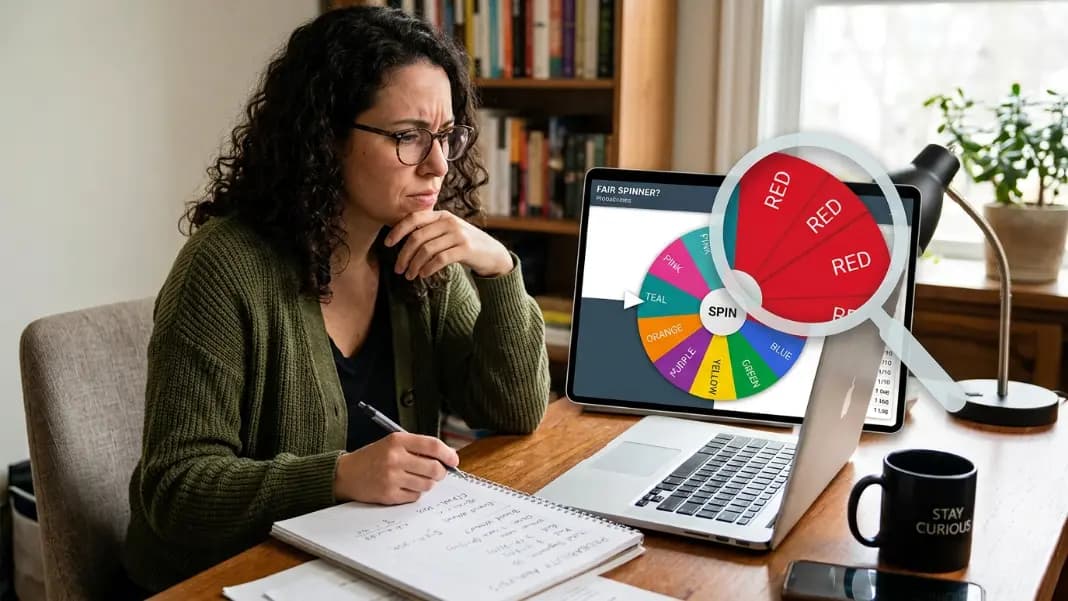
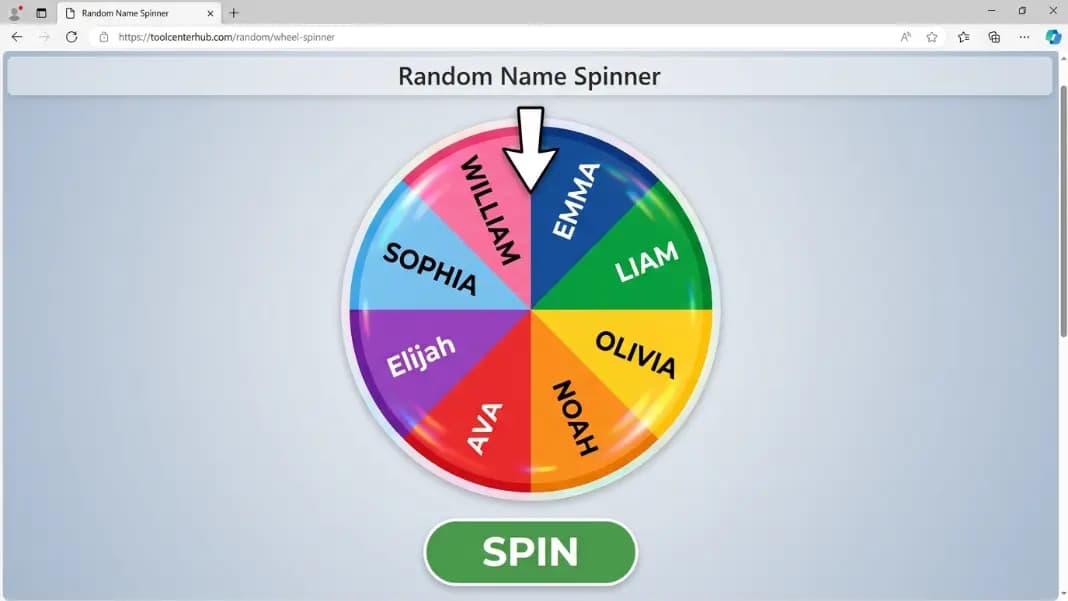
The wheel spinner converts any text list into a rotating wheel divided into equal segments. Each entry gets one segment. Every segment has the same arc regardless of what text it contains, which means every entry has the same probability of being selected.
When you click spin, the wheel rotates and slows to a stop. The entry under the pointer is the result. The stopping angle is determined by the browser's crypto.getRandomValues() function, which produces cryptographically random values with no predictable pattern. This is a fundamentally different source of randomness than Math.random(), which generates pseudo-random sequences that can cluster or repeat over many calls.
Each spin is statistically independent. What came up last time has no effect on this time. There is no compensation, no correction, and no adjustment based on history.
The visual spin is cosmetic. The result is calculated before the animation starts. The wheel just makes the reveal feel earned.
How to set up the wheel in under two minutes
Open the wheel spinner tool and find the input area. On desktop it appears beside the wheel; on mobile it sits below. Type your entries one per line, or paste a list copied from a document, spreadsheet, or messaging app.
The wheel updates in real time. New entries add segments; deleted entries remove them. All segments resize automatically to stay equal after each change.
Once your list is ready, click spin. The wheel animates, slows, and stops on a result. The entry under the pointer is selected. If you want to exclude the winner from future spins, delete that name from the list and spin again. The remaining entries divide the wheel evenly.
Nothing saves between sessions. Refreshing the page resets the list. If you plan to reuse your list, copy it to a text file or notes app before closing the tab.
Classroom name picking without bias
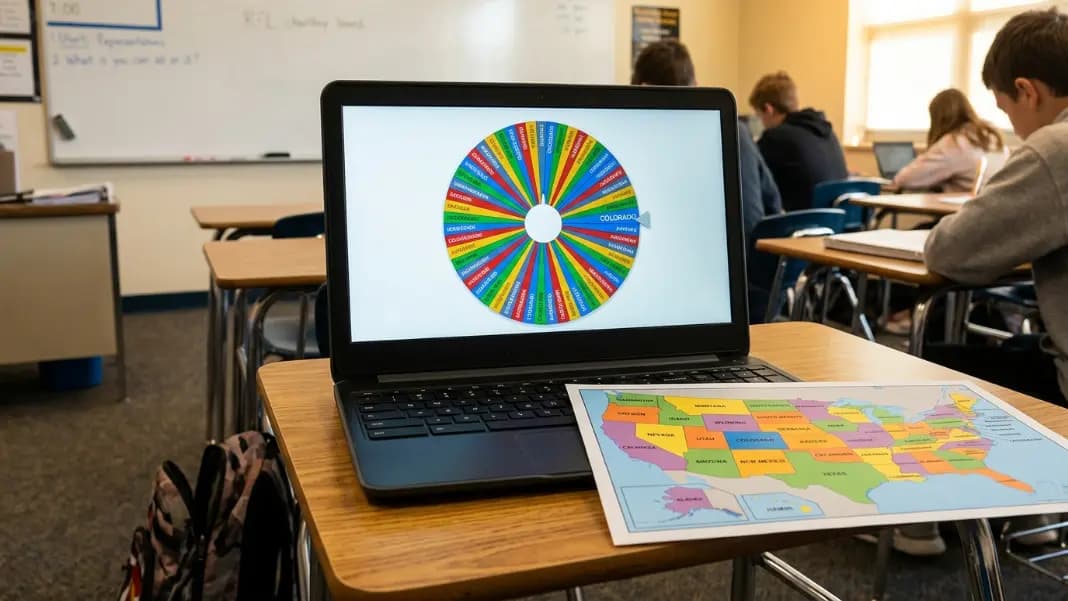
Teachers use the wheel spinner more than almost any other group. The standard use is cold calling: enter all student names, spin to pick who answers the next question.
This works better than most teacher-driven methods because the selection is public and visible. When students perceive that a teacher favors certain people, they disengage from participation. A wheel spin happens in front of the whole class. Everyone sees the result land. No one can reasonably claim the pick was intentional.
Two common setups work well in classrooms:
Coverage mode: Delete each name after it is picked so every student gets called before anyone repeats. This guarantees full-class participation within a session.
Pure random mode: Keep all names in the wheel regardless of history. Any student can be picked again immediately. This is more statistically honest but may leave some students uncalled.
The wheel also handles role assignments quickly. Spin to decide who presents first, who leads the group activity, or who picks the scenario for a simulation exercise. It is faster than any negotiation and less contentious than volunteering.
For timed activities, pair the wheel with the countdown timer to give each selected student a fixed response window. For splitting the whole class into balanced groups at once, the team generator handles the full division in one step rather than requiring a spin per person.
Giveaway and prize draws that audiences trust
For public giveaways, the wheel spinner provides visible, verifiable randomness. You enter every participant's name on screen and spin on camera or in person. The result is obvious to everyone watching.
This transparency is harder to fake than a screenshot of a random number. A live wheel spin shows every name on the wheel before the spin, the animation landing on a result, and the winner visible to all. Anyone watching can verify the process.
If some participants should have more chances than others, add their name multiple times. Two entries for one person means roughly twice the probability of landing there compared to someone with one entry. The wheel gives each segment equal probability; you control how many segments each person gets.
For draws with more than fifty to sixty participants, the wheel becomes hard to read because the segments shrink below legible size. In those cases, the random number generator handles numbered ticket draws more practically. Assign each participant a numbered ticket range, generate a random number, and match it to the winner list.
For a full breakdown of how to structure a fair public draw from start to finish, the guide to picking a random winner online covers documentation, live draw setup, and how to handle disputes.
Group decisions that nobody wants to own
A large share of wheel spins have nothing to do with people. They are about choices that a group cannot agree on and nobody wants to be responsible for picking.
Common setups:
- Five restaurant names when a group cannot settle on one
- A list of movies for film night
- Weekend activity options pulled from a shared list
- Tasks to assign during a team meeting without anyone volunteering for the worst ones
The wheel works for this because it removes individual accountability. When the wheel picks the restaurant, nobody can be blamed if it turns out to be mediocre. The group agreed to spin, and the group accepted the result. The decision belonged to randomness, not to any person.
For two-choice decisions like yes or no, the yes or no wheel is faster to use than building a two-entry custom wheel. It also supports custom probability weighting, which a standard equal-segment wheel cannot replicate.

Streaming and content creation
The wheel spinner is common in streaming because the animation creates a visible moment of suspense that a number appearing on screen does not. The wheel decelerating toward a result gives an audience something to react to in real time.
Streamers use it for live subscriber giveaways, challenge wheels, and game selection. The setup is the same: add names or options to the wheel, spin on camera, and let the result land publicly. Viewers see every name on the wheel before the spin starts, which makes the draw feel open.
For recurring formats like challenge wheels, the setup stays the same session to session. Build your list once, keep it in a text file, paste it at the start of each stream. The wheel handles the rest.
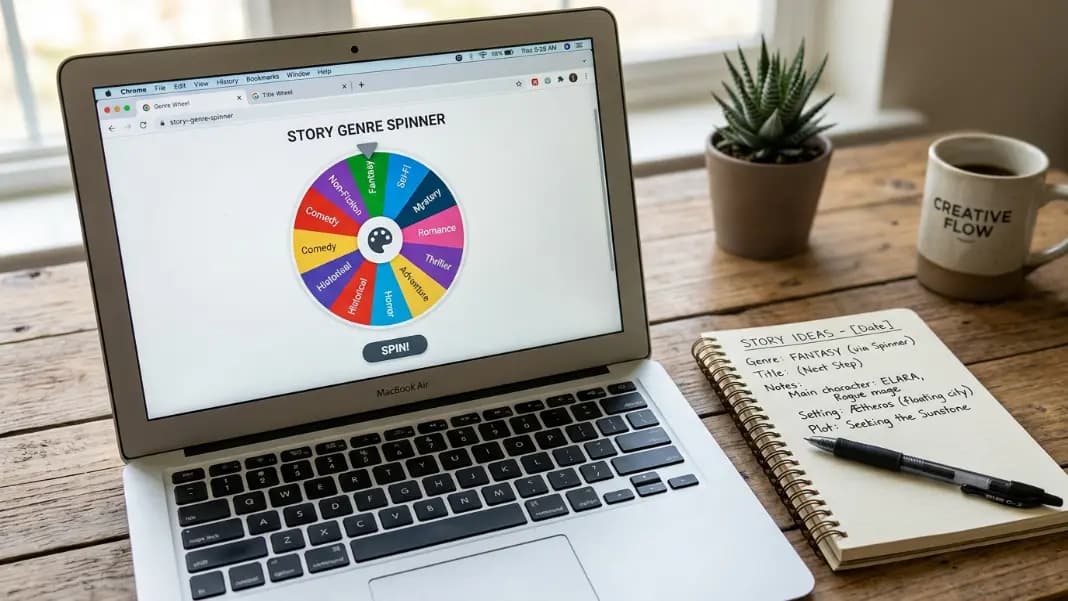
Content creators who film pre-recorded videos use the wheel to add an element of genuine randomness. Spinning to pick a topic, a challenge format, or an item for a review gives the content a transparent, reproducible selection method that viewers can see was not staged. For art and design challenge videos where the random element is a color restriction, the color wheel spinner guide covers how to build a color restriction wheel for drawing challenges, palette assignments, and aesthetic prompts.
Weighting entries for unequal probability
The wheel treats every segment equally by default, which gives every entry the same chance. If you need unequal probability, the simplest method is to add entries more than once.
If one option should have three times the chance of another, add it three times. If you are running a giveaway where some participants have two tickets and others have one, add two-ticket participants twice.
This works because the wheel does not know or care that two segments share the same text. It simply picks one of N segments at random, where N is the total count of entries. Adding a name ten times out of twenty total entries gives that name a 50 percent probability.
For yes or no decisions with custom probability splits, the yes or no wheel has a dedicated slider that sets the exact percentage for each outcome. It is easier than managing duplicate entries in a custom wheel.
When a different tool handles the job better
The wheel works well for lists of four to roughly fifty entries with named items. Several other tools in the random category are better fits for specific situations.
Two-outcome decisions: The coin flip is faster. No list to set up. One click gives a cryptographically random heads or tails.
Yes or no with custom odds: The yes or no wheel lets you set any percentage split, such as 70 percent yes and 30 percent no. A custom wheel cannot do this without exact segment math.
Large numbered draws: The random number generator handles lotteries, raffles, and numbered ticket draws far more cleanly than a hundred-segment wheel.
Group splitting: The team generator divides an entire name list into balanced groups in one step. You do not need to spin once per person to assign thirty people to five groups.
Tournament brackets: The bracket generator randomly seeds all participants into elimination rounds. Combine it with the wheel for naming bracket positions if needed.
Why the wheel beats manual selection every time
Manual selection, even with good intentions, carries human bias. People avoid repeating recent choices, gravitate toward names in the middle of a list, and underweight entries they have seen often. These patterns persist even when someone is actively trying to be random.
Psychology research shows that humans are poor at generating random sequences. When asked to pick randomly, people produce distributions with far fewer repeats than a true random source would create. They also show position bias: the first and last entries on any list are consistently underrepresented.
The wheel's crypto.getRandomValues() call has none of those tendencies. It has no awareness of what came up before, no preference for position, and no pattern across many spins. It produces results that are statistically uniform over any sample size.
For situations where fairness must be visible and not just intended, the public spin adds accountability that no manual process can match. Anyone in the room or watching the stream can see the result was not chosen.
Read the name wheel spinner guide for a deeper look at recurring name-picking setups for classrooms and events.