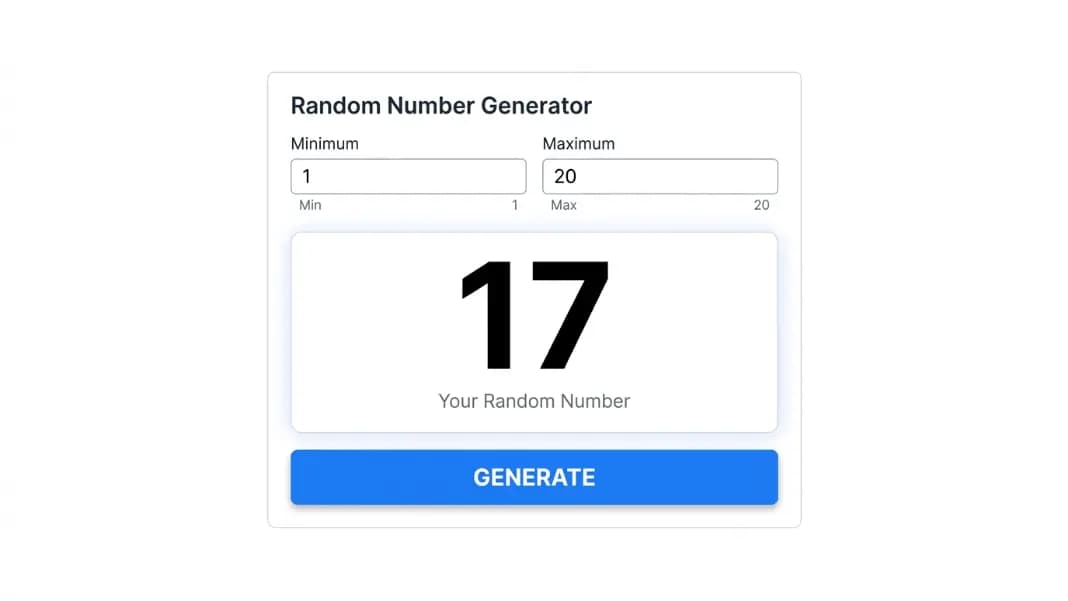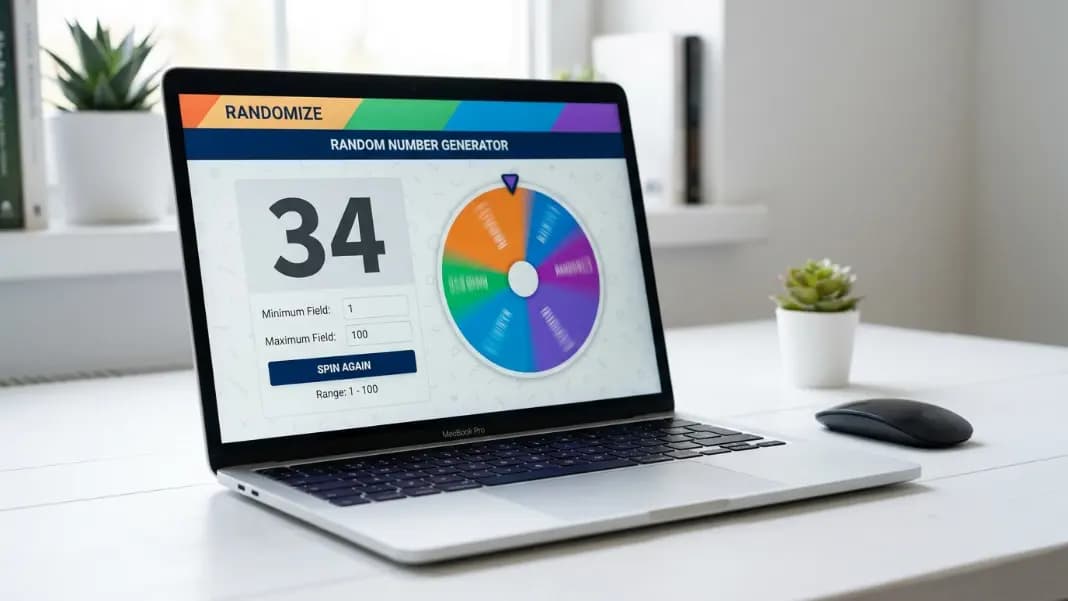
Physical spinners run out of space around 20 segments. After that, the numbers become too small to read, the spin loses precision, and you end up squinting at a tiny wedge trying to decide whether it landed on 17 or 18. The digital version does not have that problem. A random number generator wheel can span any range, from 1-6 to 1-10,000, display the result in large clear text, and handle as many spins as you need without any mechanical constraint.
This is a more common need than most people expect. Searches for "random number generator wheel" run over 12,000 a month on that phrase alone, not counting close variants like "number wheel spinner" or "random wheel number generator." People want the visual experience of a spinning wheel combined with the accuracy of a proper generator. The random number generator provides both in one tool with no setup.
This guide covers how a number generator wheel works, when the spinning format genuinely adds something a plain number generator does not, and how to configure any range for the situations people use it most: classrooms, games, group decisions, and multi-number draws.
What a Random Number Generator Wheel Actually Does
A random number generator wheel is a digital tool that pairs a spinning animation with a cryptographic random number source. You set a minimum and maximum value, trigger the spin, and a number within your range lands as the result. The animation creates the moment of anticipation. The number itself is fair.
The word "cryptographic" is important. Physical wheels carry inherent mechanical bias. Manufacturing tolerances mean the pivot point is rarely perfectly centered. Segments may not be exactly equal arcs. A well-used spinner can develop preferred landing zones from friction wear over time. None of these problems apply to a digital generator using the browser's crypto.getRandomValues() function, which draws entropy from hardware sources, including system timing jitter and physical noise measurements, that exist outside the software layer. Every number in your range has exactly equal probability on every spin, regardless of range size, how many spins have been run, or what the last result was.
The spinning animation is not decoration. It creates the moment of anticipation that a plain number appearing on a screen does not. When a wheel slows down and settles on a result, people watch. They predict, they react, they feel the result arrived rather than being assigned. In any setting where other people are watching the draw, that experience is part of what makes the process feel credible and fair.
When the Wheel Format Works Better Than a Plain Generator
If you are generating a number for your own use, with no audience, the output format barely matters. The number is the same regardless of how it appears. The wheel format earns its value when other people can see the screen.
In a classroom with 25 to 30 students, running a number spin on a projector creates shared engagement that a plain number appearing on screen does not. Students watch the wheel slow down. They call out predictions. They react when a number lands. That reaction is free, it comes from the format, and it takes zero extra activity design to produce.
In a game session, the wheel animation provides the same dramatic moment that physical dice do. The deceleration before the result, the landing, the reaction from the room. A static number appearing instantly is functionally equivalent but experientially different. For tabletop games, party games, and any group activity where the draw is an event, the visual element carries real weight.
For public draws and live giveaways, the animation serves a practical function beyond entertainment. A wheel visibly spinning on a shared screen is harder to dispute than a number that appears without any visible process. Participants who can watch the spin have less grounds to question the result. The spin the wheel for giveaways guide covers documenting this kind of draw for formal giveaway contexts. The number generator wheel follows the same principle for number-based draws: run the spin where everyone can see it, and the result stands on its own.
For personal use with no audience, the keyboard shortcut (Enter to generate) skips the animation entirely and delivers the number immediately. Both modes use the same random source.
How to Configure the Number Wheel for Any Range
Open the random number generator. You will see two fields: minimum and maximum. Type your values. Press Enter or click generate.
The most commonly used ranges have quick-select presets already built in:
Standard die (1-6): Tap the D6 preset or type 1 and 6 manually. One spin gives you a single die result equivalent to rolling a fair physical die.
D20 for tabletop RPG: The D20 preset auto-fills 1-20. One tap, one spin. Covers the most common RPG roll without any manual entry.
1-100: The 1-100 preset handles classroom participation picks, informal draws, and any decision with up to 100 numbered options.
Custom ranges: Any minimum and maximum works. 1-32 for assigning a bracket position. 1-365 for picking a random day of the year. 7-21 if your range does not start at 1. The generator accepts any pair of values where minimum is less than maximum and both fit within standard integer limits.
One practical note on range selection: the generator is inclusive on both ends. A range of 1-6 can return exactly 1 and exactly 6, not just the numbers between them. This matters when your range needs to include the boundary values, which is the standard expectation for dice and most other uses.
Number Wheel for Classrooms and Group Settings
Teachers use number wheels more than almost any other audience. The combination of a visible random process and a clear result solves two persistent classroom problems at once: keeping students engaged and demonstrating that the selection is genuinely fair.
The most direct classroom use is student selection by number. If students have numbered seats or appear on a class list numbered 1-30, setting the range to 1-30 and spinning picks a student transparently. Because everyone in the room watched the spin happen, no student can argue the selection was biased. The result belongs to the wheel, not to the teacher.
Math classes get additional value from the generator as a problem source. Set the range to 1-12, spin twice, and multiply the results. Or spin three times for an addition problem with three terms. The numbers change each round, which prevents students from reusing work from earlier rounds, and the spinning mechanic adds a small amount of engagement that a printed worksheet does not. The random number generator for classroom guide covers structured formats for this across different subject areas and age groups.
For probability lessons, the number wheel makes a concept concrete that is easy to explain but hard to feel. Set the range to 1-6. Ask students to predict how many times each number will appear across 30 spins. Run 30 spins and track the results. The distribution will be roughly uniform but not perfectly so, which is the point: randomness produces expected patterns over large samples but shows natural variation in smaller ones. Students understand this from watching it happen far better than from hearing a definition.
For group decisions outside of classrooms, the wheel format removes the social awkwardness of selection. A team of eight needs one person to present at the next meeting. Number them 1-8, spin, and the wheel picked it. No one chose anyone. No one can feel singled out or favored. The spin is the decision.
Using the Number Wheel for Games, Dice, and Tabletop Sessions
Physical dice are the right tool when you have them and they match the range you need. The dice roller is the right tool for standard die types (D4, D6, D8, D10, D12, D20, D100) with a game-oriented interface that shows multiple dice and running totals. For those exact configurations, it is the better choice.
The number generator wheel fills the gap when neither applies.
Custom die ranges are the clearest example. A game mechanic requiring a D7, D9, or D15 does not exist as a physical die. Setting the number generator to those ranges takes five seconds and produces a result with the same cryptographic fairness as any other range. Any custom roll a game needs, the number generator handles.
Multi-die combinations are another common use. Roll 3D6 by generating three results from 1-6 and adding them. For games where individual die results matter, like systems where a roll of double sixes has special effects, generating two separate numbers preserves that information. For games where only the total matters, set the range to 2-12 and get the sum directly.
Random encounter tables in tabletop RPG systems frequently use 1-20 or 1-100 tables where each row represents a different event or encounter. Spin the generator, read the result, find the row. The spin takes under a second, the range is set once at the start of the session, and the table lookup is the only manual step remaining.
For party games where the number result carries stakes, the spinning format adds to the moment. Players watching a wheel slow toward a number feel the anticipation differently than they would watching a static display count down. The game experience and the fair result come from the same tool.
The Difference Between a Number Wheel and a Word Wheel
These two tools look similar in animation and concept but serve completely different purposes. Confusing them leads to unnecessary workarounds.
The wheel spinner accepts text entries. You type names, options, or labels, and the wheel picks one. This is the right tool when you have a specific list of named things to select from: team members, task assignments, restaurant options, or any collection of distinct labeled items.
The number generator wheel accepts a numeric range. It is the right tool when the possible values are defined by their position in a sequence, not by individual names. Seat number 14, result value 47, die face 3. These are positions, not labels.
The practical difference becomes most obvious at scale. A word wheel works well up to about 50 or 60 entries, after which the segments become unreadably narrow during the spin. The number generator handles ranges into the millions with no display problem because it shows a single result number rather than labels on spinning segments.
When you have 200 numbered raffle tickets, the number generator is the right tool. When you have 8 named people and want to pick one, the word wheel is cleaner. When you have 8 people who have been assigned numbers for the draw, either tool works, but the number generator scales better if the list grows.
A practical guideline: if you have labeled options by name and the list is under 60 items, use the word wheel. If the selection space is defined by a numeric range or the list is large and numbered, use the number generator.
Multiple Numbers and No-Repeat Mode
Single-spin results are the common case, but the number generator also handles multi-number draws, and that is where the no-repeat option becomes important.
Set the count to 6, the range to 1-49, and enable unique numbers before generating. You now have a full lottery-style draw with no duplicate picks, produced in one operation. No-repeat mode works by applying the Fisher-Yates shuffle algorithm to the full range and drawing from the shuffled sequence. Every combination of results is equally likely. The algorithm is the same one used in physical lottery machines and card shuffling equipment.
For draws where only a few numbers are needed from a large range (6 from 1-49), the no-repeat constraint is almost never triggered by chance anyway, but having it active ensures the results are formally valid. For draws with more numbers relative to the range size (10 from 1-20), the constraint actively prevents repetition that would otherwise occur.
After generating multiple numbers, sort controls let you display results in ascending order (standard for lottery display), descending order, or the original generation order. For giveaway or raffle draws where the sequence of selection matters for prize assignment, keeping the original order shows which number was drawn first, second, and so on.
The download function saves the full result set as a plain text file. For any draw where you need a record, the text file includes the numbers, the range used, and the generation settings. The random number generator no repeats guide covers the full setup for raffle and competition draws in detail, including how to document results for transparency.
Getting the Most From a Number Generator Wheel
The spinning animation, the range controls, no-repeat mode, multi-number generation, sort options, and result download are all in a single tool with no account required and nothing to install. Open the random number generator, set your range, and the wheel is ready.
For group and classroom settings, open the tool in full-screen mode and connect to a projector or shared display. The interface scales cleanly to large screens. Everyone in the room sees the same spin at the same moment, which is the practical requirement for any draw that needs to be publicly credible.
For game sessions, the preset buttons for D6, D20, and 1-100 are one tap. For custom ranges, both fields are editable and the new settings take effect immediately. For lottery or raffle draws, toggle unique mode before setting the count and the tool handles the rest.
The random tools section has the full collection: the word wheel for named lists, the dice roller for standard die formats with multi-roll support, and team generator for group splitting. Start with the number generator for any decision that maps to a numeric range, and the other tools are there for when the situation needs something beyond a number.