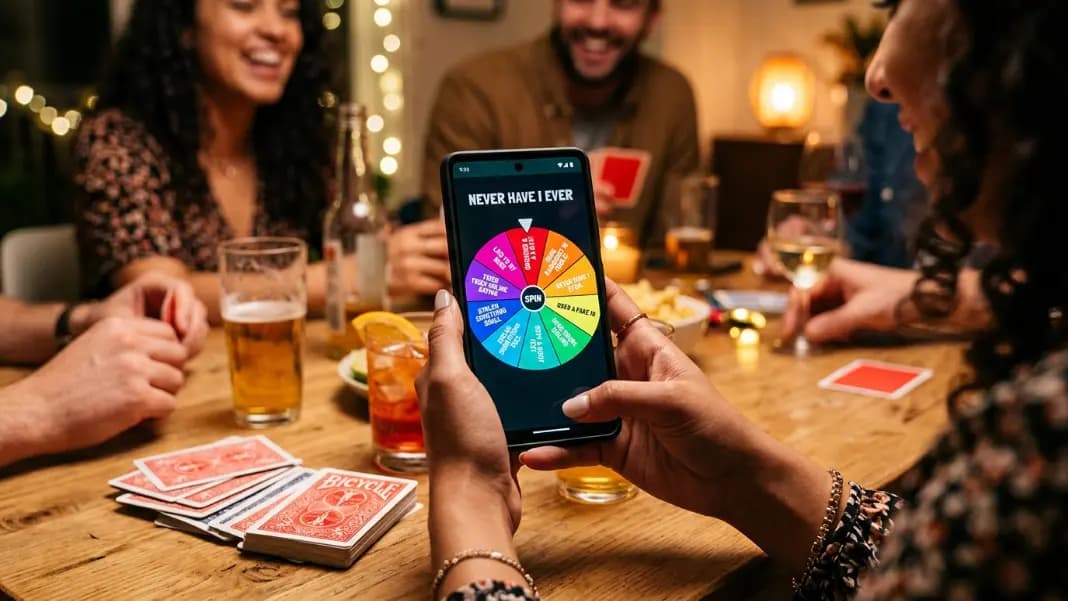
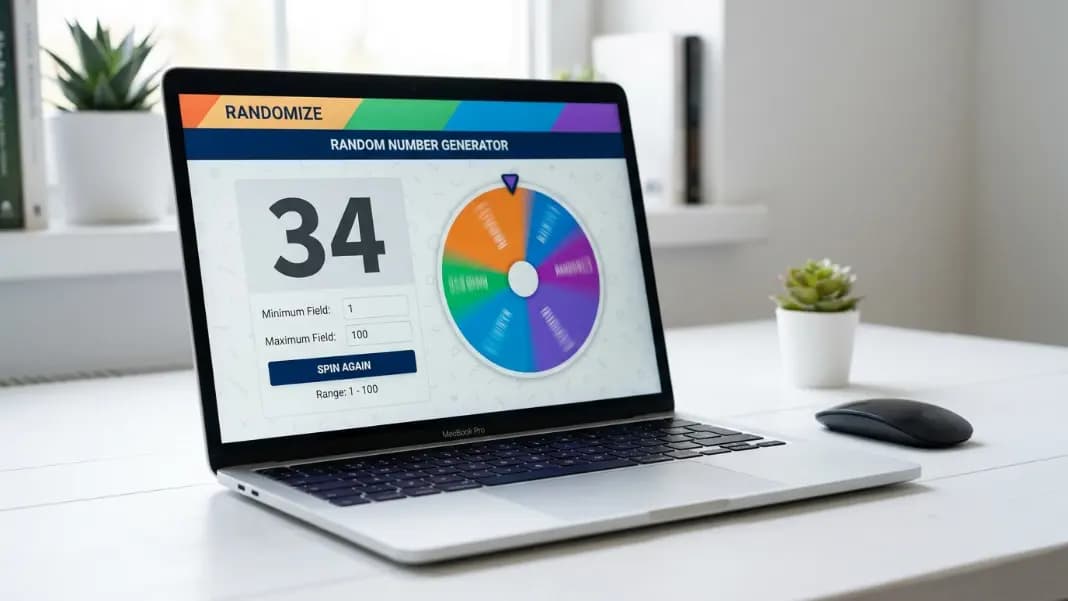
A giveaway only works if people believe the draw was fair. Screenshots of random numbers are easy to fake. A name drawn from a hat can be questioned. A live wheel spin in front of your audience, with every name visible on the wheel before it moves, is a different category of transparent. The wheel spinner is the most visible, verifiable method for a public giveaway draw, and this guide shows exactly how to run one from start to finish.
Whether you are running a social media giveaway, a live stream prize draw, or an in-person event raffle, the steps are the same. The wheel handles the randomness. You handle the setup.
Why the wheel spinner works for giveaways
The core problem with most giveaway draws is that the audience cannot observe the process. A random number generated off screen, a name drawn from a container nobody can see, or a spreadsheet formula run in private all produce results that are technically fair but cannot be verified by anyone watching.
A wheel spinner changes this. You build the wheel with every participant's name, show it on screen or in person before spinning, and let the animation play out publicly. The result lands visibly. Anyone watching can see their name was on the wheel, can watch the spin happen, and can see the outcome without any step hidden from view.
This transparency is the main reason wheel spinner giveaway draws hold up to scrutiny better than other methods. The process is observable from beginning to end.
Step 1: Collect your participants
Before opening the wheel spinner, gather your participant list in a text document. You want names in the exact format you will display them, one per line.
For social media giveaways, your participant list typically comes from:
- Comments on a post (collect manually or use a comments export)
- Entries from a Google Form or typeform
- Email list entries
- Tagged or shared posts from participants who qualified by sharing
Verify your eligibility rules before building the list. If your giveaway required following an account, commenting, or completing a specific action, filter your list to include only participants who completed the required step. Adding ineligible entries to the wheel and then discovering the issue after the draw creates problems.
For multi-entry giveaways where bonus actions earn additional entries, note how many entries each person has earned before building the list.
Step 2: Build the wheel
Open the wheel spinner and paste your participant list into the input field. The wheel builds automatically, one segment per line.
For multi-entry participants, add their name multiple times. If a participant earned three entries through bonus actions, add their name three times. The wheel gives each segment equal odds, so three segments for one person means roughly three times the probability compared to someone with one segment.
Check the wheel visually after pasting. Verify the number of segments matches your expected participant count. If you are entering names manually, scroll through the entry list to confirm nothing was missed or duplicated incorrectly.
The wheel works well for up to roughly fifty to sixty participants. Beyond that, segments shrink to the point where names become unreadable during the spin. For larger participant counts, the random number generator is more practical: assign each participant a numbered ticket range and draw a winning number.
Step 3: Run the draw publicly
For live streams and video content, screen-share your browser tab before starting. Let your audience see the full wheel with all names visible before you spin. This is the moment that establishes credibility. Everyone can confirm their name is on the wheel and see no one has been excluded.
Click spin. Let the wheel complete its full animation. Do not stop it early or interfere with the result. The animation plays out to its natural stopping point and the winner lands under the pointer.
Read the result out loud and display it on screen. If you are streaming, let the chat react. Wait a few seconds before moving on so the result is clearly seen.
For in-person events, display the wheel on a projector or large screen so everyone in the room can watch. The same principle applies: show the full list, spin publicly, read the result as it lands.

Step 4: Document the result
Take a screenshot or screen recording of the final result immediately after the spin. Save the image or video with the date and giveaway name in the filename.
For social media giveaways, post the result publicly. Share the image showing the winner's name on the wheel, or the recording of the spin if you ran it live. This gives your audience a reference point and closes the loop on the draw.
If someone questions the result, you have the documentation ready. The screenshot shows the wheel, the winner's segment, and the timestamp.
For larger giveaways or brand-sponsored events, save the participant list as well. A record of who was entered, who won, and when the draw ran provides a full audit trail if a dispute arises later.
Step 5: Run multiple prize draws
If you have more than one prize, run multiple spins from the same wheel. After each result, delete the winning name from the list and spin again. The wheel recalculates equal segments for the remaining participants automatically.
Keep deleting winners and spinning until all prizes have been drawn. Each spin is independent with equal odds among the remaining entries.
If you want each prize to come from a separate pool, build separate lists for each pool, or run distinct sessions with different participant groups.
How to weight entries for bonus chances
Standard wheel entries give every participant one equal chance. If your giveaway allowed participants to earn extra entries, the wheel handles this through repeated entries.
The method is straightforward: add a participant's name once for each entry they earned. Five entries means the name appears five times in the list. Because the wheel gives each segment equal probability and that participant occupies five out of the total segments, their effective probability is proportional to their entry count.
This is transparent, easy to explain to your audience, and easy to verify. Show the entry count rules clearly when you announce the giveaway, then show the wheel with repeated names before spinning. Anyone can count segments and verify the distribution.
For very high entry counts, this approach can make the wheel unwieldy. Fifty participants with up to ten entries each means up to five hundred segments, which the wheel handles but makes difficult to read. At that scale, a spreadsheet draw or the random number generator is more practical.
Common mistakes to avoid
Editing the list after the draw starts: Build and verify the list before the first spin. Editing entries between spins or announcing changes after participants can see the wheel raises questions about manipulation.
Stopping the spin early: Let the wheel complete its natural stopping animation. Clicking to stop it mid-spin, even accidentally, looks deliberate and undermines the draw's credibility.
Adding ineligible participants: Verify eligibility before building the list. Drawing an ineligible winner and then needing to redraw creates a complicated situation that is hard to explain.
Not documenting the result: The screenshot takes three seconds. Skip it and you have no record if a dispute arises.
Using a tool that hides the participant list: If your audience cannot see who is in the draw before the spin, they cannot verify the process. The wheel spinner shows all entries on the wheel face, which is its main credibility advantage.
What to do when the winner does not respond
Set a response deadline in your giveaway announcement, typically twenty-four to seventy-two hours for social media prizes. State clearly that a new winner will be drawn if the original winner does not respond within that window.
If the deadline passes without a response, rerun the draw. Open the wheel, remove the non-responsive winner's name, and spin from the remaining list. Document this redraw with a screenshot as well.
Announce the redraw publicly so your audience knows a new winner was selected and the original winner had the opportunity to claim. Transparency through the whole process, including redraws, keeps trust intact.
Wheel spinner vs other giveaway methods
The guide to picking a random winner online covers the full range of methods available for giveaway draws, including random number generators, spreadsheet functions, and comment picker tools. Each has a different trade-off between setup time, transparency, and scalability.
The wheel spinner sits at the high-transparency end because the full participant list is visible before the draw and the result is animated publicly. It is the best choice for live draws in front of an audience and for giveaways where showing the process matters as much as the result itself. If participants ask whether the result is genuinely random or suspect the wheel favors certain entries, the is the wheel spinner rigged guide explains how online spin wheels generate results and why short-run patterns are not evidence of manipulation.
For draws running entirely off-camera, a random number generator combined with a numbered participant list is equally valid and scales to larger participant counts without readability issues.
Browse the random tools category to find the right draw method for your specific giveaway format.