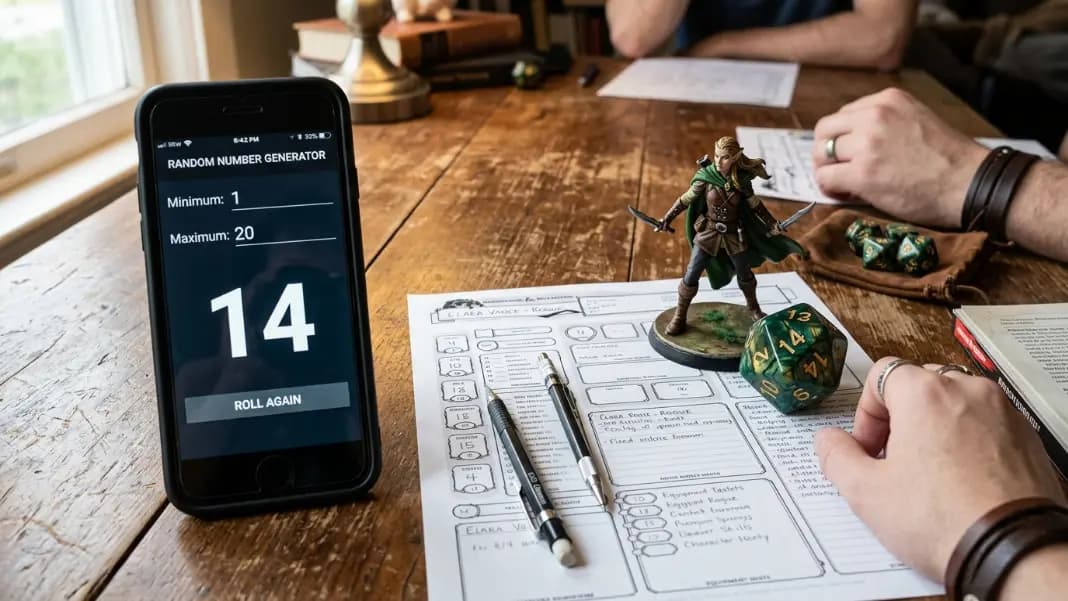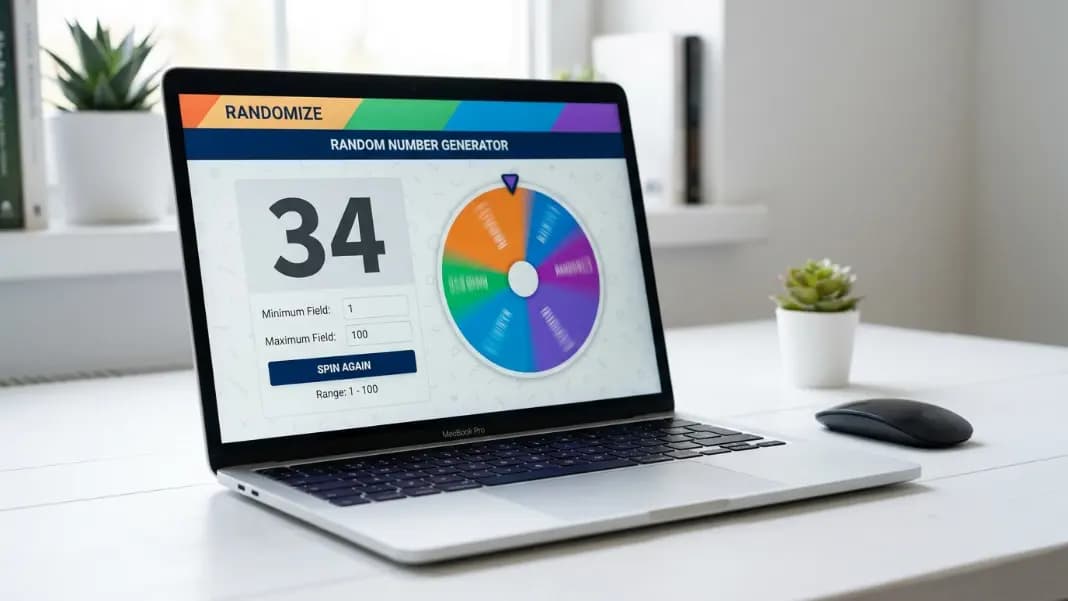
You rolled a 20. Or at least, you would have, if anyone remembered to bring the dice. A 1-to-20 generator handles the D20 roll in under five seconds on any device, but it does more than replace a missing die. Anything with exactly 20 numbered options, a classroom with 20 students, a 20-item task list, a 20-question quiz, uses the same configuration and the same tool.
The random number generator accepts any minimum and maximum. Set it to 1 and 20, and every spin produces a result from that range with equal probability. The same tool handles 1-to-25 and 1-to-50 with two keystrokes of adjustment, and those ranges come up more often than most people expect once they start looking for them.
This guide covers what makes 1-to-20 a genuinely useful range rather than just a step between 1-to-10 and 1-to-100, when 1-to-25 and 1-to-50 fit the situation better, and how to generate single results, multi-result draws, and unique sequences without ever leaving the same tool.
Why 1-to-20 Is the Most Useful Mid-Range
The three most searched ranges in random number generation are 1-to-6, 1-to-10, and 1-to-100. These cover the most common everyday needs: a standard die, a ten-option decision, and a large classroom draw. The 1-to-20 range fills the gap that sits between small and large, and it does so with a specific advantage no other mid-range shares.
A 1-to-6 range is too small for selections where more than 6 options exist. A 1-to-100 range is too large when the pool has only 15 or 20 items. Generating from 1-to-100 when you have 20 students means 80 values that cannot correspond to anyone. You either rerun the draw when a non-existent number appears, or accept that students 1-20 share probability mass with 80 phantom entries. Setting the maximum to 20 solves both problems.
The 1-to-20 range also has a direct connection to the D20, the standard die in tabletop role-playing games. When someone says they need a 1-to-20 roll, nearly everyone in a gaming context immediately understands the reference without explanation. That cultural familiarity makes this the most recognizable medium range beyond the standard die sizes.
For general decisions, 20 options is a natural organizational number that appears across ordinary tasks more often than people notice. Monthly working days, 20-question assessments, groups of 20, numbered lists that cap at 20 for readability. The range earns its place between the small and large configurations.
How to Set Up a 1-to-20 Draw
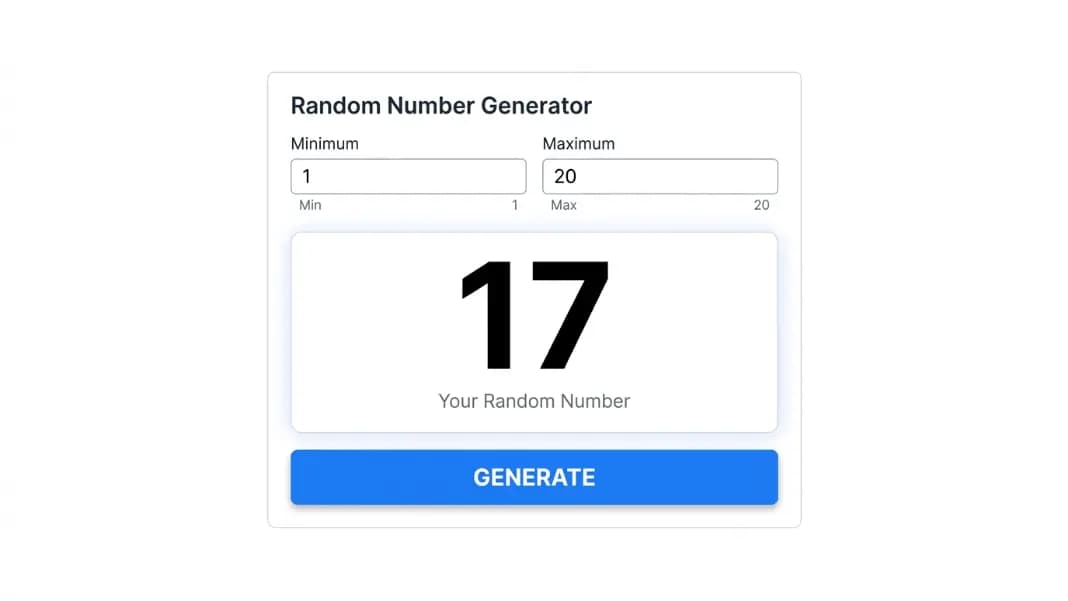
Open the random number generator. Set the minimum field to 1. Set the maximum to 20. Press Enter or click generate.
The generator displays your result immediately. No animation delay if you use the keyboard shortcut. Each of the 20 possible results has exactly a 1-in-20 probability on any spin. Settings persist until you change them, so you can spin repeatedly without re-entering the range.
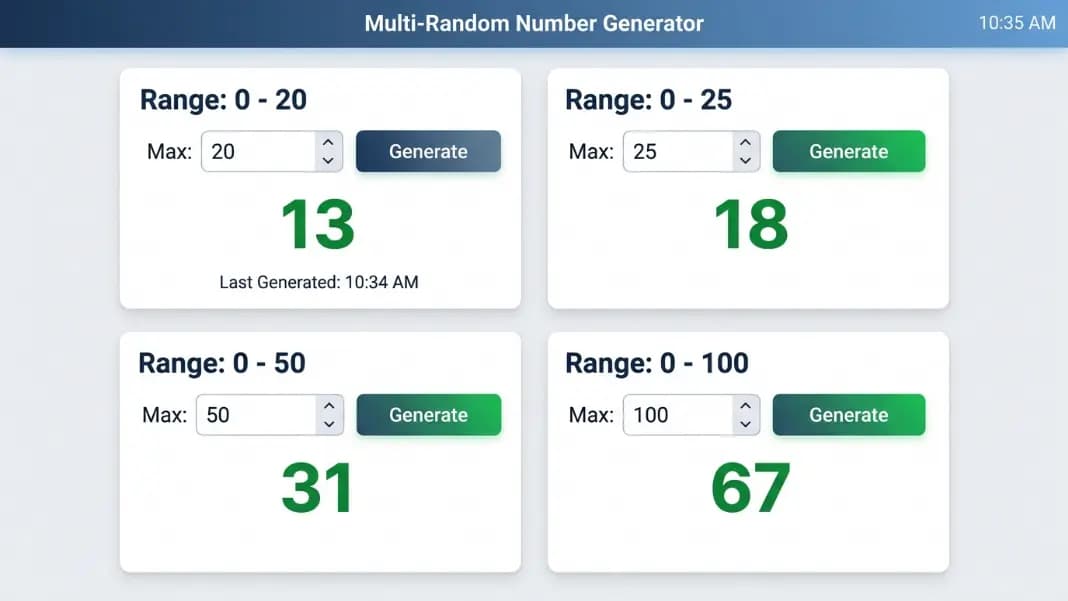
For a mid-session range change, edit the maximum field. Changing from 1-to-20 to 1-to-25 takes two keystrokes and takes effect on the next spin. If you need both ranges accessible at the same time, open a second browser tab with different settings. Each tab maintains its own configuration and history independently.
The generator also accepts non-standard lower bounds. If your range starts at 5 rather than 1, type 5 in the minimum field. The tool handles any pair of integers where minimum is less than maximum. The 1-to-20 setup is the most common configuration for this band, but the boundaries are fully adjustable.
One practical note: the generator is inclusive on both ends. A range of 1-to-20 can return exactly 1 and exactly 20, not just the numbers between them. This is the expected behavior for die equivalents and most decision frameworks.
D20 Dice Replacement for Tabletop RPG
The D20 is the standard die for Dungeons and Dragons, Pathfinder, and many other tabletop role-playing systems. Attack rolls, saving throws, skill checks, and ability checks all use a D20 result modified by the relevant stat bonus. Setting a number generator to 1-20 produces exactly the same distribution as a physical D20.
For situations where dice are not available, a 1-to-20 generator covers the D20 roll without any setup beyond setting the maximum to 20. One spin per check. The result is fair, cannot be disputed on the grounds of a bad throw, and leaves no room for the "it was still spinning" objections that come up in competitive table settings.
The dice roller has a dedicated D20 button and is the better tool for full game sessions that need multiple die types and running totals simultaneously. If you are mixing D6 hit points, D8 weapon damage, and D20 attack rolls across an encounter, the dice roller keeps everything in one interface without range switching.
The number generator handles specific RPG situations more cleanly. Custom die ranges that do not exist physically, D7, D9, D16, D13, require a number generator because no physical equivalent exists. For a game mechanic requiring a 1-to-7 roll, setting the maximum to 7 gives you the result in one step. Percentile rolls for random encounter tables use maximum set to 100, and the random number 1-to-100 guide covers that range and its RPG applications in detail.
For one-off rolls at a table where switching to the dice roller would interrupt the session, a number generator already open in a browser tab delivers the roll in one click without disrupting the conversation.
Classroom and Teacher Uses for 1-to-20
Most classroom groups fall between 18 and 32 students. For classes at the smaller end of that range, 1-to-20 is the right configuration for student selection. Number the class list starting at 1, set the maximum to the actual class size, and spin once to pick a student transparently in front of the room.
The random number generator for classroom guide covers structured activity formats using the generator across different subjects and age groups. For 1-to-20 specifically, the range has some classroom applications that larger ranges do not serve as well.
Arithmetic problem generation is one of the clearest. Set the range to 1-to-20 and spin twice for a multiplication pair. Spin three times for an addition problem with three terms. The numbers change each round, preventing students from reusing work from earlier sessions, and the generation process adds a small interactive element that printed worksheets do not. Keep the range under 20 for mental arithmetic practice since most students can verify multiplication results up to 20 without written calculation.
For probability demonstrations, 1-to-20 shows something important that is easy to explain but hard to feel. Spin 20 times and record every result on a whiteboard. Rarely will each number appear exactly once. Some will appear three times. Others will not appear at all. The natural clustering and gaps that emerge from 20 spins of a fair 1-to-20 generator demonstrate why uniform probability does not produce uniform short-run distributions. Students understand this from watching it happen far better than from hearing the definition.
For group assignment, spinning a 1-to-4 or 1-to-5 result for each student distributes them across groups. For a class with exactly 20 students and 4 groups of 5, assign each student a number from 1-to-20 and generate a unique shuffle from 1-to-20, then assign the first five results to group 1, the next five to group 2, and so on. The random number generator no repeats guide covers this structured shuffle approach.
When 1-to-25 Fits Your Selection Space Better
The 1-to-25 range appears in specific contexts that come up regularly enough to be worth knowing separately.
Assessment scores on a 25-point scale are the most common. Generating a random score from 1-to-25 provides a neutral starting point for a rubric discussion. Ask participants what behavior would correspond to a score of 17 versus 22. Starting from a randomly generated score rather than a teacher-selected example removes the implicit signal that the chosen score represents something notable.
Classes or groups with exactly 25 members should set the maximum to 25, not round to 20. Using 1-to-20 for a group of 25 excludes students 21-25 entirely. Using 1-to-25 for a group of 20 introduces five phantom slots that absorb probability, lowering each real student's chance of selection. Always set the maximum to the actual group count.
Bracket draws with 25 competitors and raffle pools with 25 tickets also land here. Changing the maximum from 20 to 25 takes two seconds in the number generator and the rest of the process is identical.
When 1-to-50 Bridges the Gap
The 1-to-50 range sits between medium-sized groups and the full 1-to-100 range used for large draws and informal lotteries.
Raffles with 50 or fewer tickets are the clearest use case. If a raffle has exactly 48 tickets numbered 1 to 48, setting the range to 1-to-100 introduces 52 invalid values that require redrawing when they appear. Setting the maximum to 48 matches the ticket pool exactly. The same principle applies to any pool where the size is below 100.
For larger classrooms between 30 and 50 students, 1-to-50 covers the range while staying closer to the actual pool size than 1-to-100. A class of 38 should use 1-to-38, not 1-to-50, for the same reason: every unused slot above 38 reduces the actual students' individual probability of selection.
For raffle documentation and formal draws in this range, the download function in the number generator records the settings alongside the results. Combined with a screenshot of the interface, that gives a complete audit record without additional tools.
Generating Multiple Results From 1-to-20 Without Repeats
Single spins handle most 1-to-20 uses. For draws requiring more than one result, setting the count above 1 and enabling unique mode produces a full list without duplicates.
For a class of 20 where you need to select 5 presenters: set range to 1-to-20, count to 5, unique mode on, generate. Five distinct student numbers appear in one draw.
For seeding a bracket of 16 competitors from a pool of 20: set range to 1-to-20, count to 16, unique mode on, generate. The results give 16 unique positions without any manual deduplication.
The count cannot exceed the range size in unique mode. Drawing 25 unique numbers from 1-to-20 is not possible because only 20 distinct values exist. For multi-result draws from 1-to-20, the maximum list you can generate in one operation is 20 numbers.
For sorting results or downloading the list as a text file after generating, the random number list generator guide covers those output options in detail.
Configuring for Any Mid-Range Draw
The 1-to-20 range is the right configuration whenever your selection space has between 11 and 20 equally weighted options. Set the maximum to your actual group size or list length rather than rounding up to 20, and every member of the pool gets equal probability with no phantom values in the range.
For game sessions, 1-to-20 covers D20 mechanics and most encounter check tables without needing a separate tool. For classroom use, it handles student selection and probability demonstrations. For decisions, it covers any list or set with up to 20 options.
The random tools section has the dice roller for full multi-die game sessions, the wheel spinner for named lists, and the bracket generator for seeded tournament draws. Start with the number generator for any draw that maps to a number in a range, and adjust the maximum to fit the size of your actual pool.