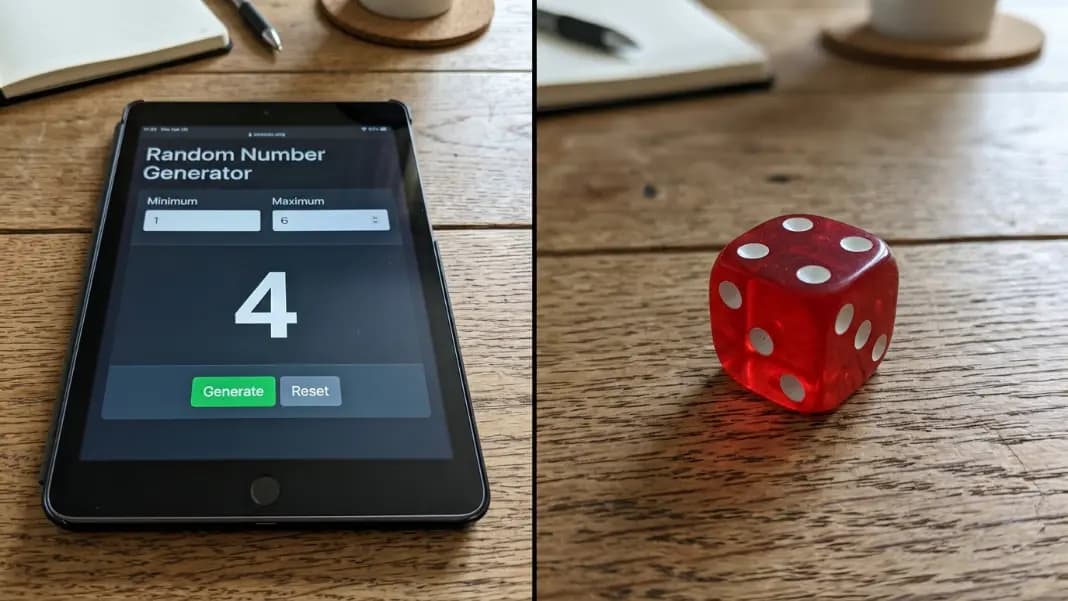
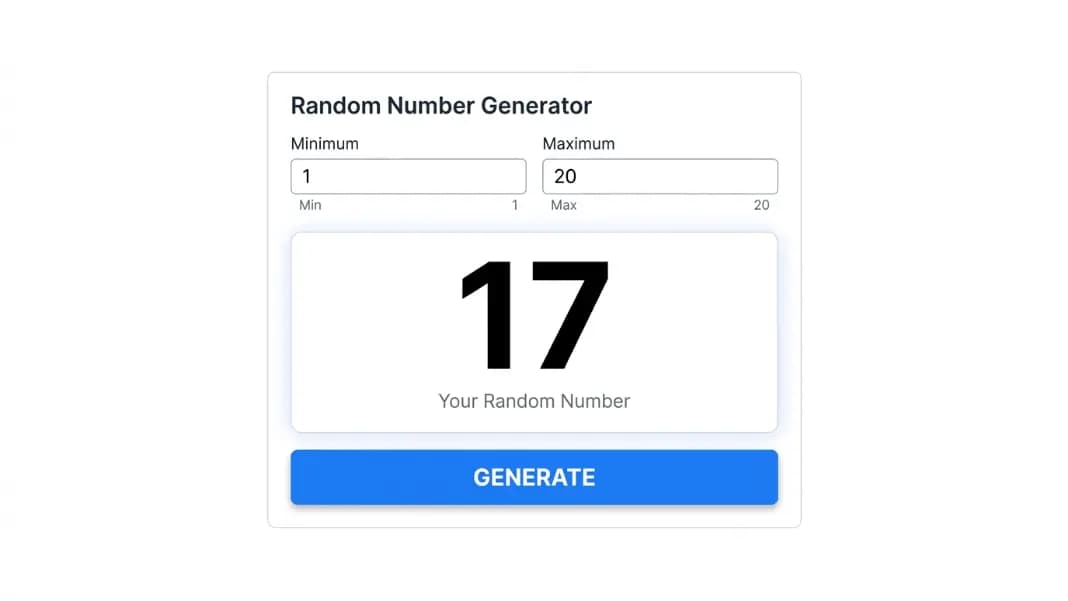
Running one spin and getting a single number works for most decisions. But some tasks need more than one result at a time. Assigning 30 students to random groups requires 30 draws. Picking 6 lottery numbers means generating 6 values from the right range without repeats. Building test data with 50 unique reference numbers is tedious one at a time. A random number list generator handles all of these in a single operation.
The random number generator produces full lists directly. Set the count, set the range, and every number in the list is generated in one step. What you do with the list after that, sort it, download it, use it for a draw, is just as straightforward.
This guide covers how to generate a number list correctly, when to use unique mode, how sorting and downloads work, and the practical difference between a random sequence and a shuffled list that most people discover only after running their first draw.
What a Number List Generator Does Differently From a Single Spin
Generating one number at a time and clicking generate 20 times produces 20 numbers. It also introduces a meaningful risk: if you are not using unique mode, nothing prevents the same number from appearing twice. If you lose track of which numbers you already drew, the list is unreliable. And if you need to document the draw, 20 separate screenshots are not a clean record.
A number list generator solves all three problems at once. The count setting tells the tool how many numbers to produce. Unique mode ensures no duplicates across the full list. The download function gives you a single documented record of every result, the range used, and the count drawn.
The practical distinction from a single-spin workflow is that a list draw is one atomic operation. All the numbers come from the same draw, with the same settings active, at the same moment. For raffles, classroom assignments, and any process where the draw needs to be transparently documented, that matters. A list drawn in one step is harder to dispute than 20 individual spins where any one could have been rerun without detection.
How to Generate a Number List in One Step
Open the random number generator. Set your minimum and maximum to define the range. Then increase the count above 1.
The count control is a stepper next to the generate button. Tap the plus to raise it. The default is 1 (single result). Set it to however many numbers you need.
For a raffle with 50 tickets numbered 1 to 50 and 5 winners: set min to 1, max to 50, count to 5, unique mode on. Generate. You have all 5 winner numbers in one draw.
For a classroom activity where 30 students each need a random number from 1-100: set min to 1, max to 100, count to 30, unique mode off (since students can share numbers). Generate. All 30 numbers appear at once.
For lottery-style picks where 6 numbers must be drawn from 1-49 without repeating: set min to 1, max to 49, count to 6, unique mode on. Generate. One draw, six unique results.
The key decision before generating is whether the numbers in the list need to be unique. If they do, toggle the unique mode switch before clicking generate. If duplicates are acceptable, leave it off. Getting this decision wrong produces a list that looks right but serves the wrong purpose.
Generating Lists Without Duplicates
Unique mode is the most important setting for any list draw where the same number cannot appear twice. Raffle draws. Lottery picks. Seat assignments. Tournament bracket seeding. Any process where each number represents a distinct slot that should only be assigned once.
When unique mode is on, the tool uses the Fisher-Yates shuffle algorithm to generate the list. The algorithm takes the full set of values in your range, shuffles them into a random order, and returns the first n results from that shuffled set, where n is your count. Every possible ordering of the results is equally likely. There is no structural bias toward lower or higher numbers, no tendency to cluster results, and no relationship between consecutive results.
The constraint to know: your count cannot exceed the number of values in your range. If your range is 1 to 20, you can draw at most 20 unique numbers. Requesting 25 unique numbers from a 1-20 range is impossible because only 20 distinct values exist. The tool will flag this with an error before generating.
For large ranges, this constraint rarely matters in practice. Drawing 6 unique numbers from 1-49 leaves 43 values unused, and none of the drawn numbers bias toward any particular part of the range. For small ranges relative to the count (like drawing 15 from 1-20), the constraint is active and each draw will use most of the available values.
The random number generator no repeats guide covers the mechanics of unique mode in more depth, including how the Fisher-Yates algorithm differs from naive deduplication approaches and why it matters for fairness.
Sorting Your Number List
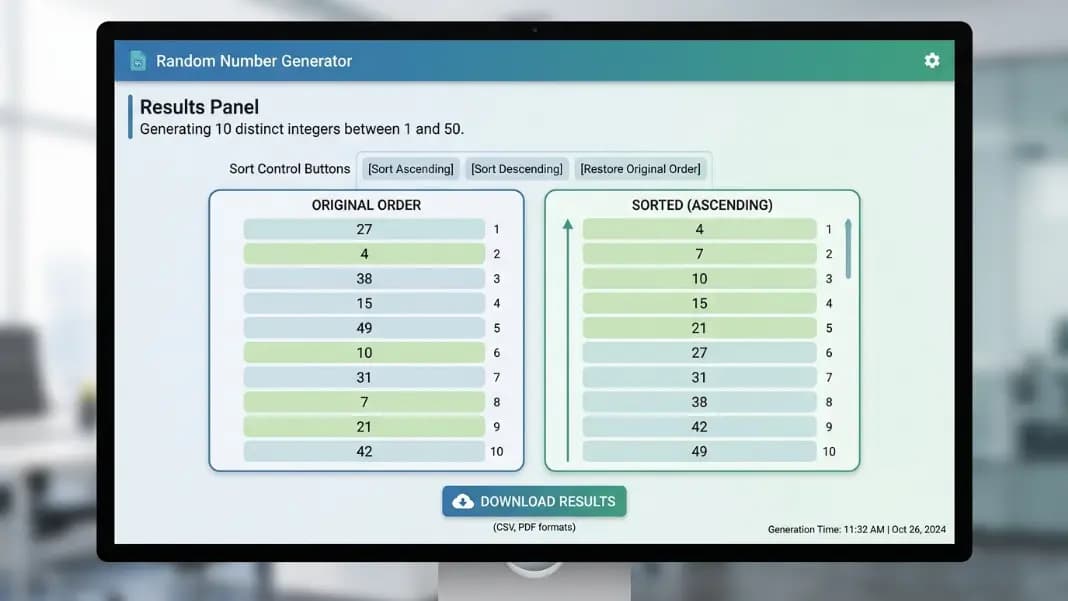
After generating, three sort options are available: ascending, descending, and original (generation order).
Ascending order is the standard for lottery and raffle results. Presenting numbers in ascending order makes it easier for participants to find their number in the list and confirm the results. Most official lottery displays use ascending order for exactly this reason.
Descending order is useful for ranked draws where the highest number carries a specific meaning, like when numbers represent scores or positions where higher is better.
Original generation order preserves the sequence in which the numbers were drawn. This matters when the order of selection carries information. In a raffle where the first number drawn wins the grand prize and subsequent draws win smaller prizes, the generation order is the prize assignment order. Sorting it ascending would destroy that information.
Choose the sort option before documenting or downloading. The sort is applied to the current result set and does not change the underlying randomness. A list sorted ascending is just as random as the same list in generation order.
Downloading and Saving Your List
The download function exports the generated list as a plain text file. Each number appears on its own line. The file also includes the settings used: the range minimum and maximum, the count, and whether unique mode was active.
This documentation matters for any draw that needs to be verifiable after the fact. A raffle participant who questions the draw can be shown the text file. A teacher who needs to record which students were assigned to which groups can save the file for their records. A developer who generates test IDs for a batch process can reference the file later.
The copy-all button provides a faster option when you need the numbers in a text field or spreadsheet immediately. It copies all results to the clipboard, separated by commas or line breaks depending on the interface, ready to paste wherever you need them.
For ongoing use across multiple sessions, the generator shows recent draws in a history panel below the results. Each entry in the history shows the range, count, and first few numbers from that draw. This is not a permanent record, as it clears when you close the browser tab, but it covers the case where you need to reference the most recent draw without having saved a file.
The random number generator for raffles guide covers documentation practices for formal raffle draws in more detail, including how to combine the text file download with a screenshot for a complete audit trail.
Random Sequences vs Shuffled Lists: Which You Actually Need
This distinction matters more than most people realize going in, and getting it wrong produces results that look correct but aren't.
A random sequence generates each number in the list independently from the full range. Each result is a fresh draw with no memory of what came before. The same number can appear multiple times. Over a large number of draws, the distribution of results will approach uniform, but any given sequence can have repeats.
Use a sequence when repetition is valid or expected. Rolling a die 20 times produces a sequence: the same face can come up multiple times, and that is correct. Generating 50 random numbers for a probability experiment should allow repetition because that is how independent random events work. Building test data where duplicate values are acceptable is another case.
A shuffled list draws without replacement. Every number in the list is distinct. The result is equivalent to writing every value in the range on a separate card, shuffling the deck, and drawing from the top without returning any card. Use this when each number represents a unique slot, ticket, seat, or identity that cannot be double-assigned.
The wrong choice produces a plausible-looking result that is actually invalid. A raffle drawn as a sequence can produce the same ticket number twice, assigning one prize to the same person. A lottery pick that allows repeats produces an invalid ticket for most lottery formats, which require five or six distinct numbers. A classroom seat assignment that allows duplicates gives two students the same number.
For the random number generator range guide, the distinction between these two modes is also relevant to range sizing: in sequence mode, range size does not constrain count. In unique mode, range size sets the maximum possible count.
How List Size and Range Size Interact
In sequence mode (unique off), you can generate any count regardless of range size. Generate 500 numbers from a range of 1-10. Each of the 500 results will be a number between 1 and 10, with repeats common across such a small range relative to count.
In unique mode, the count is capped at the range size. The number of distinct values in your range is the maximum you can draw. Range 1-10 allows at most 10 unique results. Range 1-1000 allows at most 1000.
For most practical uses, the range is large enough that this constraint is invisible. Drawing 6 unique numbers from 1-49 uses less than 13 percent of the available values, and the unused values have no effect on the fairness of the draw. But if you need a large count from a small range, the math becomes relevant.
A practical example: assigning 25 students to 5 groups of 5 by number. The range needs to be 1-5 (group assignment) and the count needs to be 25. But unique mode cannot draw 25 unique values from a range of 5 that contains only 5 distinct values. The solution is to use sequence mode (unique off) and accept that each group number will appear multiple times across the 25 results, which is actually correct: each group should be assigned multiple students.
Alternatively, use a different structure: number the students 1-25, generate a unique shuffled list of 1-25, and assign the first five students in the shuffled list to group one, the next five to group two, and so on. This is a cleaner approach and the random number generator no repeats guide covers this kind of structured shuffle in detail.
Getting Your Number List Ready
The count setting, unique mode toggle, sort options, and download function are all in the random number generator interface without any additional setup. Open the tool, set your range and count, decide on unique mode, generate, and sort or download the results.
For formal draws where documentation matters, use the download function immediately after generating before closing the tab. The history panel keeps recent results accessible during a session, but the text file is the permanent record. Take a screenshot of the settings and results panel alongside the file for a complete audit trail.
For quick list generation where documentation is not needed, the copy-all button gets your numbers into a spreadsheet or message in two clicks. The random tools section has everything else for more complex selection processes: the wheel spinner for named lists, the team generator for balanced group splits, and the bracket generator for seeded elimination tournaments. Start with the number generator for any draw that needs a list of numbers, and build from there based on what the draw requires.