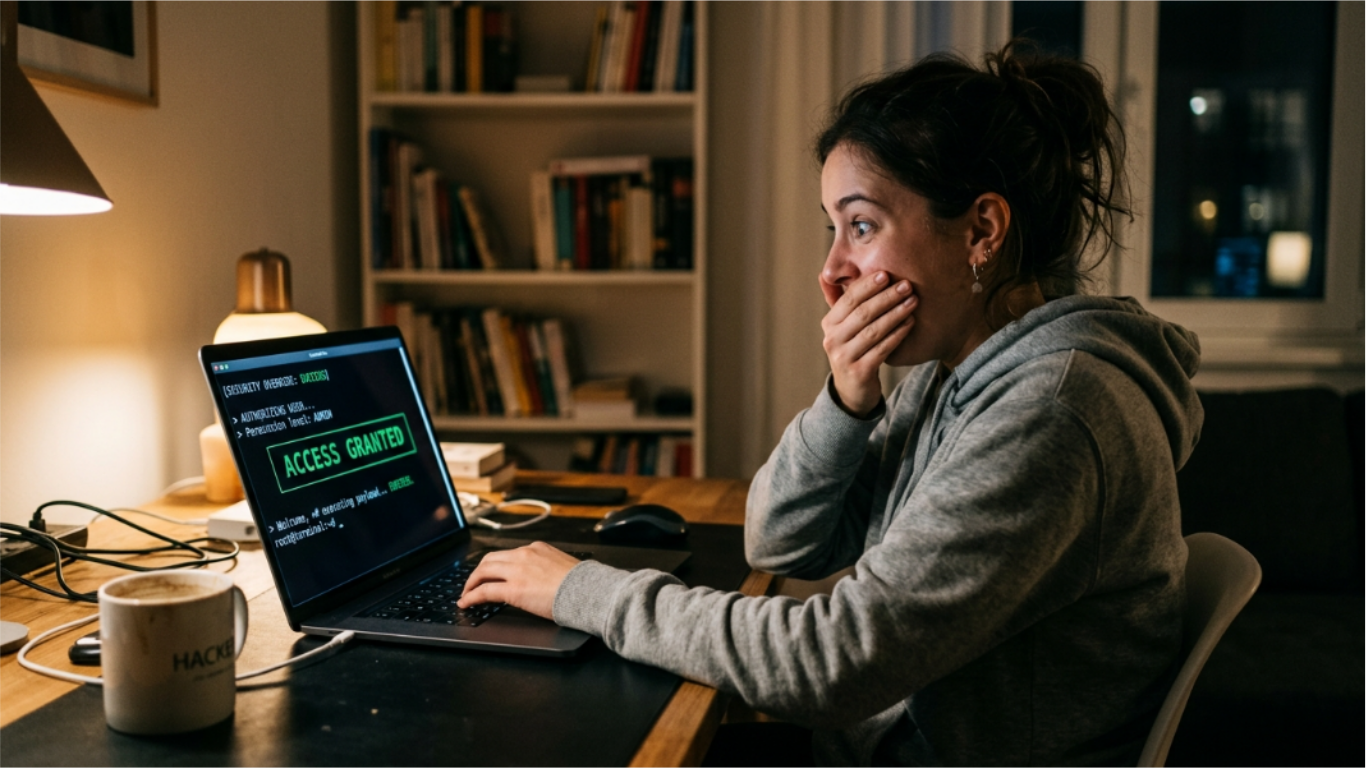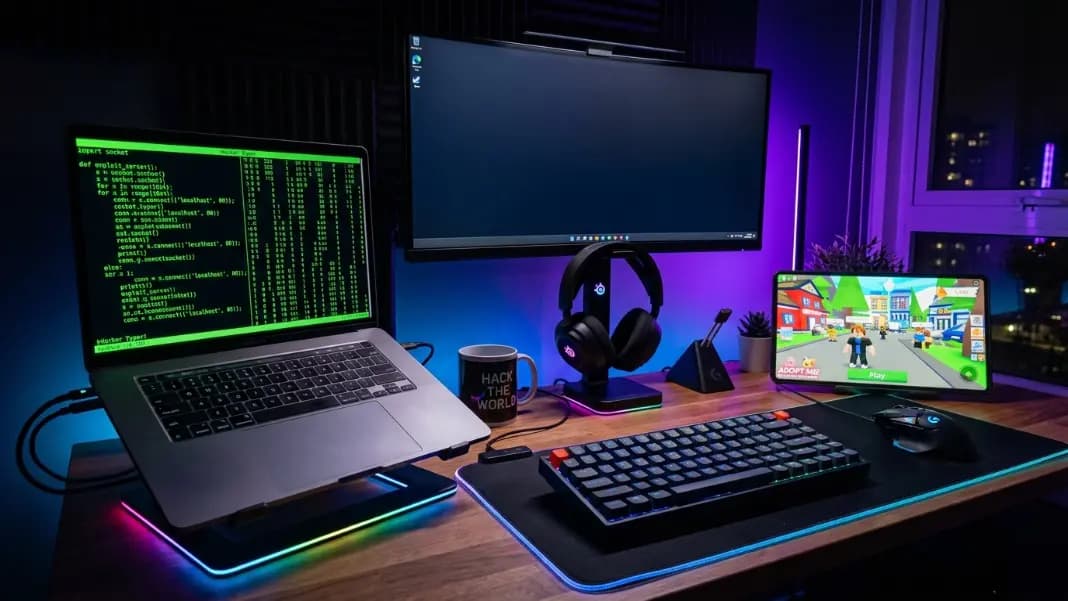
Your friends are in a Discord call waiting for the next match to load and someone claims they can hack the lobby. You have the hacker typer open in another browser tab. When you switch to it and start typing, the screen fills with scrolling code. The lobby is still loading. Nobody in the call knows this is a web page.
Gaming communities are the best audience for hacker typer pranks, and not just because games attract younger users. The reason the prank works specifically in gaming contexts is that game hacking is a real and documented phenomenon in almost every online game. Roblox has actual exploits. Free Fire has cheating problems that get players banned. The idea of someone "hacking the game" is not absurd to anyone in the community, which means the prank does not require much setup before the audience is already half-convinced.
This guide covers the specific setups for Roblox session pranks, Free Fire screen shows, Discord screen share configurations, mobile-only gaming pranks, and how to time the ACCESS GRANTED overlay for the maximum reaction in each format.
Why Gaming Communities React Differently to Hacker Typer
A hacker typer prank works on most audiences, but gaming communities produce a specific type of reaction that other contexts do not. The reaction is not just surprise. In gaming communities, it is often a mix of surprise, genuine concern, and competitive anxiety, all hitting at the same time.
Free Fire players have seen and reported actual cheaters. When someone in a Free Fire session pulls up a screen full of scrolling code and suggests they have access to a server, the competitive instinct activates. Other players start wondering what is actually happening. That uncertainty is the gap the prank exploits.
In Roblox, the community has a long history of awareness around exploits and scripting. Many Roblox players have heard of tools that give unfair advantages. When someone opens a terminal-style interface and claims to be running a script, the audience already has a mental model for what that would look like. Hacker Typer matches that mental model accurately enough to be convincing.
The other factor is that gaming pranks happen in real time, with voice. You hear the reaction as it develops. Unlike sending someone a screenshot, a live session prank where you watch someone's voice change as they process what they are seeing is its own kind of payoff.
Setting Up a Hacker Typer Prank in a Roblox Session
The Roblox prank setup depends on how many people are watching and whether they are remote or in the same room.
For a remote setup over voice and screen share, open Hacker Typer in a browser window you plan to share. Select the Python code type from the controls below the terminal. Python reads more like active game scripting to a non-programmer because the function names are English-readable, words like encrypt_stream, scan_ports, connect. Switch speed to Fast. Click fullscreen.
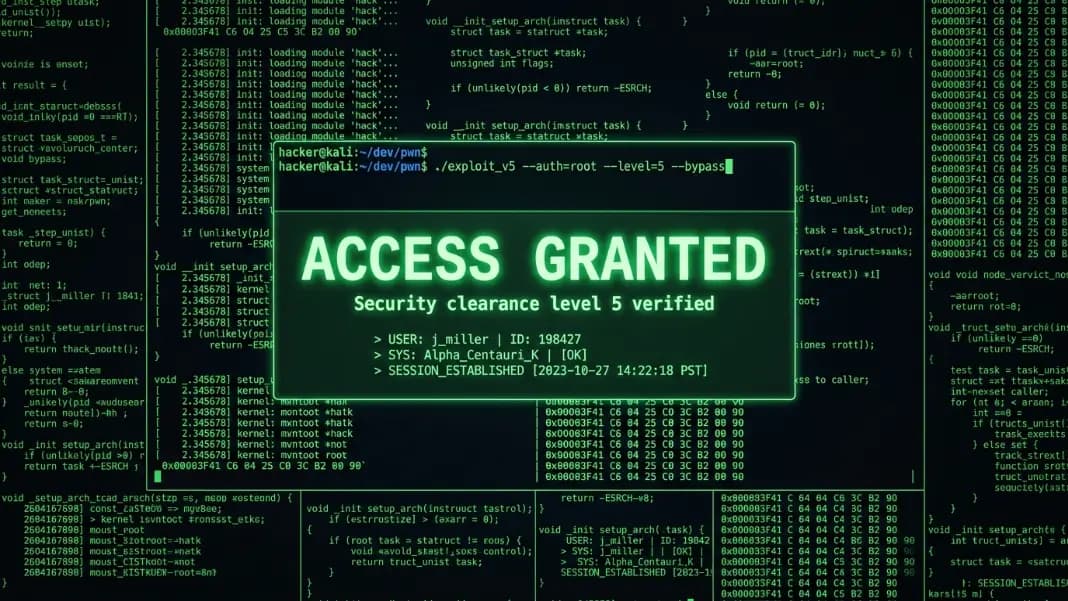
The narrative that works best for a Roblox prank is a claim about accessing the game server or manipulating another player's account. Keep the claim vague. Vague claims are harder to disprove in the moment and leave more room for the audience's imagination to fill in the gaps. Once you have the code running on screen for 20 to 30 seconds, trigger ACCESS GRANTED by pressing Shift three times in quick succession.
For a close-proximity setup where friends are physically nearby, the same fullscreen approach applies. The screen needs to be visible without being handed over. Keep the keyboard or the phone in your own hands. Handing over the device risks someone seeing the browser address bar, clicking something accidentally, or noticing the keyboard shortcut hint at the bottom of the fullscreen view.
After ACCESS GRANTED disappears, either close the browser immediately or pretend to close a program and switch to the game. The transition away from the hacker screen is as important as the buildup. A rapid exit reinforces the illusion that something happened and was shut down before anyone could look closely.
The hacker screen prank guide covers the full narrative construction, exit strategies, and how to handle someone who wants to get a closer look.
Hacker Typer for Free Fire: The Screen Share Approach
Free Fire has an unusually receptive community for this prank because anti-cheat and hacking accusations are part of everyday conversation in the player base. Suggesting you have script access to Free Fire's backend generates a faster and stronger reaction than the same claim would in a less cheat-aware game.
The visual setup for a Free Fire prank should use the Linux Kernel C code type rather than Python. The C code includes kernel function names and system-level memory operations that look less like a game modding script and more like a serious infrastructure tool. For an audience that knows just enough to be suspicious of something too simple-looking, the kernel code holds up better under a second glance.
Set the theme to green. The classic green-on-black terminal aesthetic is the most culturally loaded signal for "serious hacking." The other themes work, but green carries the most immediate recognition in gaming communities shaped by hacker movie aesthetics.
The timing structure for a Free Fire prank in a voice session: tell the group you have something to show them. Switch to the hacker typer tab. Start typing. Let the code build for about 30 seconds while narrating loosely, something about looking for the target's connection. Then stop typing for a moment as if waiting for a result. Then triple-press Shift. The pause before ACCESS GRANTED creates a genuine moment of uncertainty that the overlay then resolves dramatically.
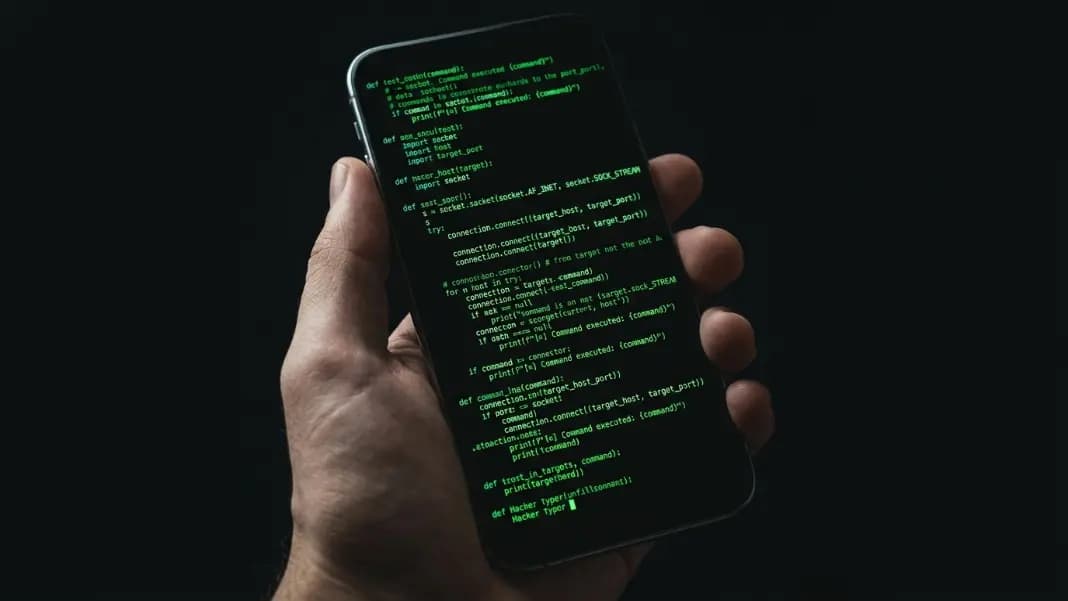
On mobile, the same sequence works with the phone screen as the display. Open the tool in your mobile browser, tap the terminal to bring up the keyboard, and type normally. The code fills the phone screen. At the right moment, press Shift three times on the mobile keyboard. This requires a mobile keyboard that shows a Shift key, which most default keyboards do.
Discord Screen Share: Running Hacker Typer During a Gaming Session
Discord is the most efficient format for a hacker typer gaming prank because a screen share reaches everyone in the voice channel simultaneously. You do not need to find a way to show multiple people individually.
The setup requires one decision: share the full desktop or share only the browser window. Sharing only the browser window is the safer choice. When you share just the browser, your audience sees nothing except the terminal in fullscreen. There is no OS taskbar, no other open apps, no system clock, nothing that would provide context that this is a browser. Full desktop sharing risks someone seeing an unexpected window title, notification, or taskbar icon that breaks the setup.
To share only the browser in Discord: start a screen share from the voice channel, choose the Application tab rather than the Screen tab, and select your browser. Then switch to the browser, confirm Hacker Typer is open in fullscreen, and start typing.
Discord's screen share introduces a small encoding delay between your screen and what the audience sees. This delay ranges from under one second to several seconds depending on stream quality settings and connection speed. For the ACCESS GRANTED overlay, which appears and disappears in three seconds total, a high stream delay can mean the audience misses part of it. Increase Discord stream quality to 1080p 60fps before the prank if your machine and connection support it. The higher quality reduces encoding delay and ensures the overlay registers cleanly.
The full breakdown of the triple-Shift shortcut mechanics and timing is in the hacker typer access granted guide, which covers the counter behavior and how to make the trigger consistent.
Access Granted Timing in a Gaming Lobby
Game lobbies are the most time-pressured format because they run on a fixed countdown. Depending on the game and lobby type, you have between 30 seconds and two minutes before the match starts or the lobby closes. The prank needs to complete within that window.
The right structure: do not start the hacker typer until you are in the lobby and the countdown has begun. Starting too early, before the countdown is visible, wastes setup time on an audience that is still distracted by pre-lobby conversation. Once the countdown appears and attention narrows, switch to the hacker typer and start typing.
At Fast speed, the terminal fills noticeably in under 15 seconds. At 20 to 25 seconds, trigger ACCESS GRANTED. The entire prank, including buildup and climax, fits within a 30-second window at Fast speed. Normal speed works if the lobby countdown gives you a full minute.
The post-overlay exit for a lobby prank: the match starting handles the exit for you. When the game loads, the hacker typer is no longer visible. This is the cleanest exit available because the audience's attention moves to the game, and the prank moment stays in the lobby as something everyone experienced but cannot immediately discuss. The conversation about what just happened happens after the match.
If the lobby ends before you complete the setup, close the browser and move on. Forcing an incomplete prank to its conclusion when the moment has passed produces weaker reactions than timing it correctly.
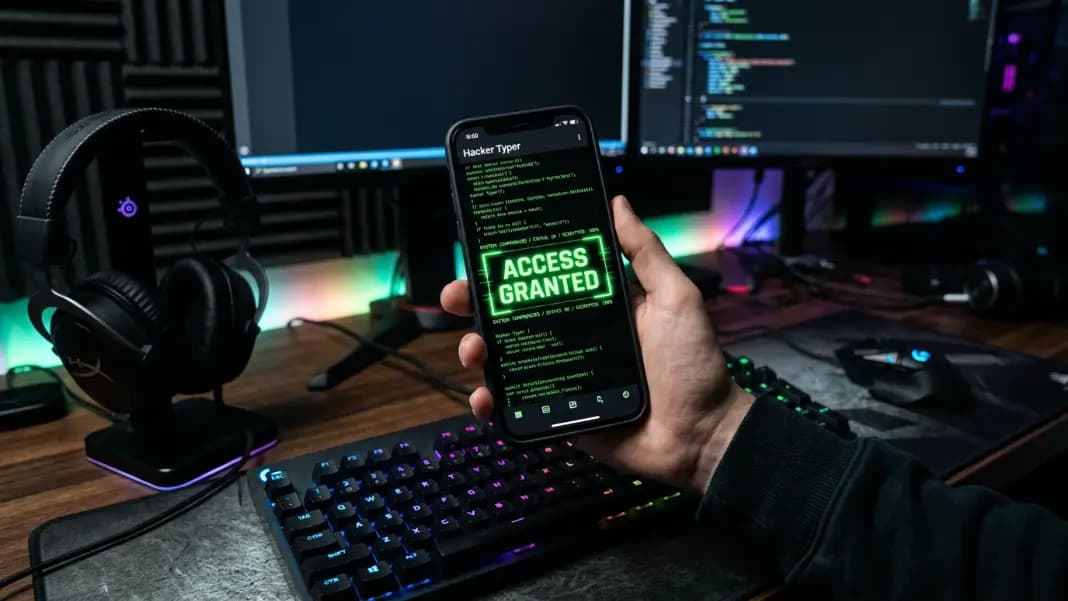
Mobile Setup for Gaming Community Hacker Typer Pranks
Mobile devices open two formats that desktop cannot: physical phone shows and mobile Discord screen shares. Both have different strengths.
A physical phone show is the most direct format. Open the hacker typer tool in your phone's browser. Tap the terminal area to bring up the on-screen keyboard. Type normally and the code fills the screen. When the terminal is covered with output, press Shift three times on the mobile keyboard to trigger ACCESS GRANTED.
One critical detail for phone shows: do not hand the phone to the target. Keep it in your hand and tilt the screen toward them. Handing over the phone creates immediate opportunities for them to look at the address bar, accidentally tap outside the terminal, or notice the keyboard shortcut hint at the bottom of the fullscreen view. Tilted at a normal conversation distance, the phone screen shows the terminal clearly without exposing the surrounding interface.
Mobile Discord screen shares work identically to desktop shares in terms of what the audience sees. Start a screen share from Discord mobile, select your screen, then navigate to the browser with Hacker Typer open in fullscreen. Your audience sees your full phone screen, which in fullscreen mode is entirely occupied by the terminal.
The on-screen keyboard appears when you tap the terminal, which is visible to anyone watching the screen share. This is the main limitation of mobile Discord screen shares for this prank: the keyboard pops up from the bottom of the screen and is visibly a touchscreen keyboard, which breaks the illusion that this is a serious technical terminal. To minimize this, type quickly, then dismiss the keyboard before sharing your screen for the audience's main view. Pre-fill the terminal with code, dismiss the keyboard, then share the screen for the ACCESS GRANTED reveal without typing in view.
Making the Prank Last Longer Without Getting Caught
The most common reason hacker typer gaming pranks fall apart is duration. The tool holds up for a first glance and through the access granted moment. It does not hold up for extended scrutiny.
The code loops. Once the Linux Kernel or Python snippet reaches its end, it starts over from the beginning. At Normal speed with continuous typing, this loop takes several minutes. If the prank continues past the access granted moment and the audience stays focused on the terminal, the same function names eventually reappear at the top of the screen. A careful viewer notices this and the setup collapses.
The practical duration limit for any format is three minutes at maximum, and that includes the access granted moment. One to two minutes is the optimal window. Build the code for 30 to 60 seconds, trigger ACCESS GRANTED, then exit within 10 seconds of the overlay clearing. That total of 90 seconds to 2 minutes is long enough to be convincing and short enough to prevent any extended scrutiny.
For audiences that include people who write code, switching to the x86-64 Assembly code type extends the prank's viable window. The NASM assembly source code, with its register operations and syscall numbers, is opaque even to most developers. Assembly holds up under longer reading than Python or C because most people simply cannot parse it at a glance. If your gaming group has someone who knows Python well enough to recognize the code structure, switching to Assembly removes their ability to identify specific familiar patterns.
For an even longer setup, switching code types mid-prank refreshes the output and resets the code position without triggering any obvious transition. Switch from Python to Assembly after 45 seconds for another 45 to 60 seconds of fresh output before triggering ACCESS GRANTED. This two-phase approach works well in Discord screen shares where the audience is watching continuously.
The how to look like a hacker on your computer guide covers the broader environment setup around the terminal, including display configuration and behavioral details that make the technical appearance more convincing for an extended session. The developer tools section has additional tools that complement hacker typer for setups that need more than a terminal screen, including the fake code generator for a different visual format and the fake identity generator for building a more complete fake technical persona.