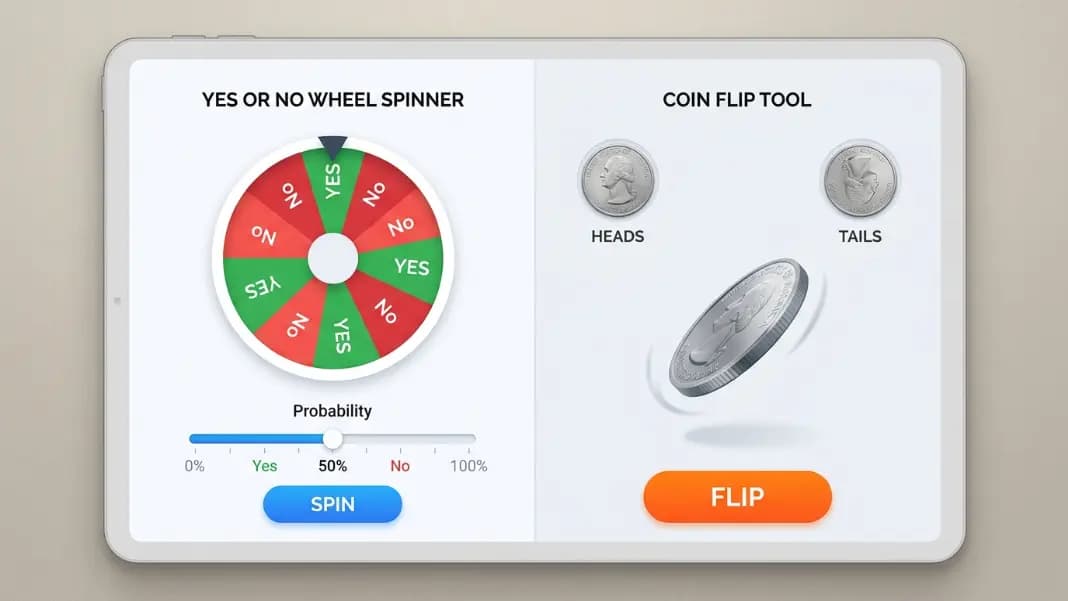
Two tools, same basic job: pick one of two outcomes at random. The yes or no wheel and the coin flip both solve binary decisions. They do it differently, and the difference matters depending on what you actually need. This is not a case where one tool is better. It is a case where they fit different situations.
This comparison breaks down the real differences between the two tools so you can pick the right one the first time.
What each tool does
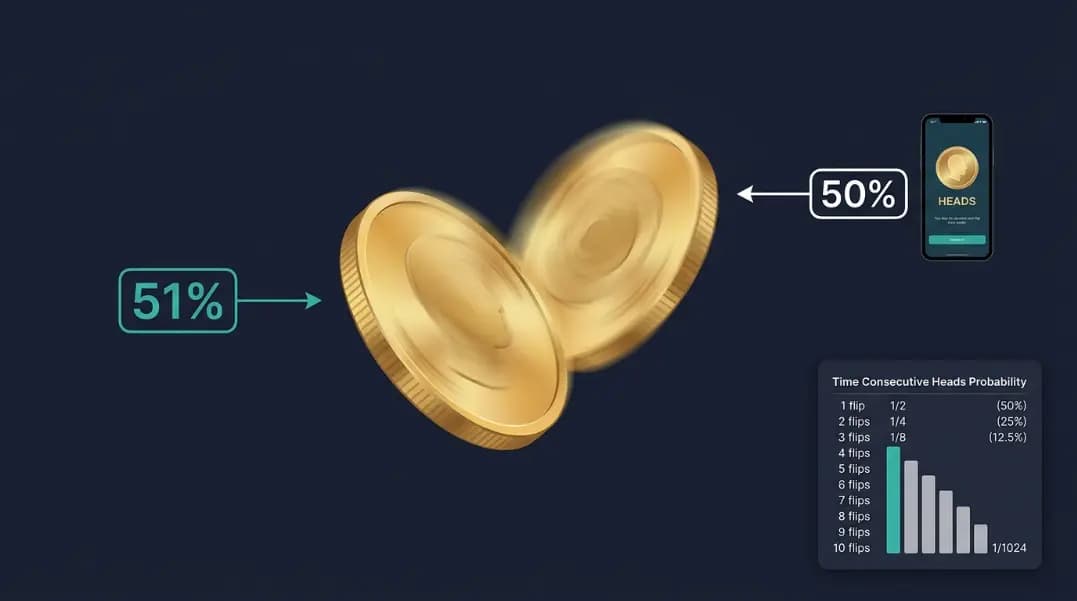
The coin flip tool produces a heads or tails result with a single click. The probability is always exactly 50/50. There is no configuration. No slider, no settings, no list to build. The result is displayed immediately with a flip animation. The tool also tracks running history so you can see how many heads and tails have appeared across multiple flips. For a complete walkthrough of everything it can do, read our full coin flip online guide.
The yes or no wheel produces a yes or no result from a spinning wheel animation. The default is also 50/50, but a probability slider lets you set any split between the two outcomes. Moving the slider to 70 percent yes means yes appears roughly seven times in ten over many spins. The wheel format creates a brief animated moment before the result lands.
Both tools use the browser's crypto.getRandomValues() function for the random calculation, so the statistical quality of the randomness is identical. The difference is configuration flexibility and presentation format.
Speed and simplicity
The coin flip wins on speed. There is nothing to configure, nothing to adjust, and no animation to wait through. Click once, see the result. For a quick decision where equal odds are correct and the format does not matter, the coin flip is the fastest path to a result.
The yes or no spinner takes a few extra seconds: open the tool, optionally adjust the slider, click spin, watch the animation complete. For situations where equal probability is fine and you just need a fast result with no audience, those extra seconds offer nothing over the coin flip.
If simplicity and speed are the only criteria, the coin flip is the better tool.
Probability control
This is where the yes or no spinner has an advantage the coin flip cannot match.
If your decision has naturally unequal odds, the spinner lets you reflect that. Common examples:
Default is yes, but you want to introduce doubt: A manager considering a request that is usually approved but occasionally denied for budget reasons might set the spinner to 80 percent yes. The spin adds a chance of no without making it the expected outcome.
Trying something new with hesitation: You lean toward yes but want to give yourself permission to say no. Setting the spinner to 60 percent yes reflects your preference while keeping no a real possibility.
Game mechanics with custom odds: A game rule that requires a random check with a specific pass rate. Setting the spinner to exactly the required probability gives you a precise tool.
The coin flip cannot do any of this. It is always 50/50. If the probability split matters, the spinner is the only option between the two tools.
History tracking
The coin flip tool tracks results. After ten flips, it shows the running count: six heads, four tails, sixty percent heads so far. This running statistic updates with every flip.
The yes or no spinner does not track running history in the same way.
This makes the coin flip the better tool for:
Probability demonstrations: Flip fifty times and watch the ratio converge toward 50/50. Compare short-run deviation to long-run convergence. The running stats are displayed automatically without any manual counting.
Tracking outcomes over a session: If you are using the coin flip for multiple sequential decisions in the same session, the history panel keeps a record without you needing to write anything down.
Teaching the law of large numbers: The more flips you run, the closer the ratio should get to 50/50. The running stats make this visible.
If you need to track results over many rounds, the coin flip's built-in history is a meaningful advantage.
Presentation and audience engagement
For situations where the result is being observed by a group, the yes or no wheel creates more of a moment. The spinning animation, the deceleration, and the result landing on one side engages an audience differently than a coin animation.
In a classroom, spinning the yes or no wheel on a projector gives students a few seconds to anticipate the result and react when it lands. The same result from a coin flip happens faster and with less build-up.
For live streams or recorded content, the wheel's animation adds visual interest. The result is more dramatic to watch than a quick flip.
For two-person decisions where no audience is involved, this distinction does not matter. Pick whichever is faster to open.

Use case comparison
| Situation | Better Tool | Reason |
|---|---|---|
| Quick two-option decision, equal odds | Coin flip | Faster, no setup |
| Decision where you want to weight one outcome | Yes or no wheel | Probability slider |
| Classroom probability lesson | Coin flip | Running history statistics |
| Live audience draw with visual moment | Yes or no wheel | Animated wheel engages viewers |
| Tracking results across many rounds | Coin flip | Built-in history panel |
| Two-person disagreement, visual result | Either | Both show result clearly |
| Game mechanic with custom pass rate | Yes or no wheel | Custom probability setting |
| Deciding on a yes or no question, 50/50 | Either | Equal odds, pick by preference |
Both tools, different strengths
The coin flip is a single-purpose tool optimized for one thing: the fastest possible fair binary result with history tracking. It does that extremely well. If you need equal odds and speed, it is the right pick.
The yes or no wheel is a configurable binary tool optimized for situations where the probability needs to differ from 50/50, where the animated format adds value, or where the decision-making moment benefits from visual presentation. If you need anything beyond equal odds, the coin flip cannot help.
Most people will use the coin flip for quick personal decisions and the yes or no wheel for decisions in front of others or with non-equal probability requirements. Neither is a better tool in an absolute sense. They fit different situations.
Use the coin flip when you need a fast result with no configuration.
Use the yes or no wheel when you need adjustable odds or an animated visual result. For a deeper look at how the yes or no wheel fits into broader random decision making, that guide covers probability settings and real-world use cases in full. For using the wheel as a game mechanic with party questions, couples formats, and truth or dare setups, see the yes or no wheel games guide.
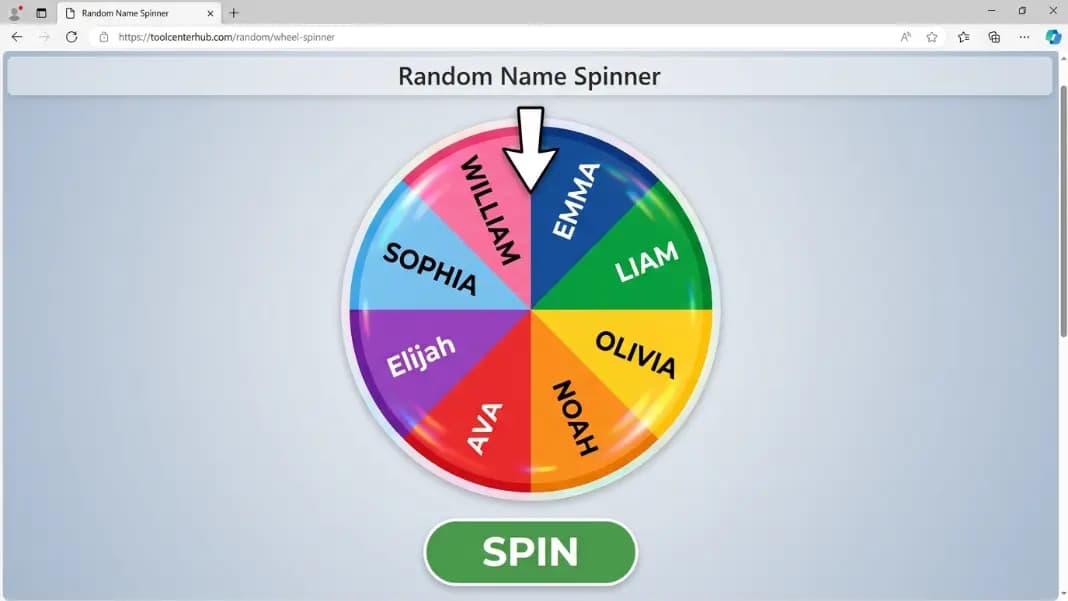
For decisions with more than two options, neither tool applies. The wheel spinner handles custom lists of any size with one entry per segment. Build your option list and spin from the full set.
For numerical decisions within a range, the random number generator picks a specific value rather than a binary outcome.
Browse all the options in the random tools category to match the tool to your specific decision type.