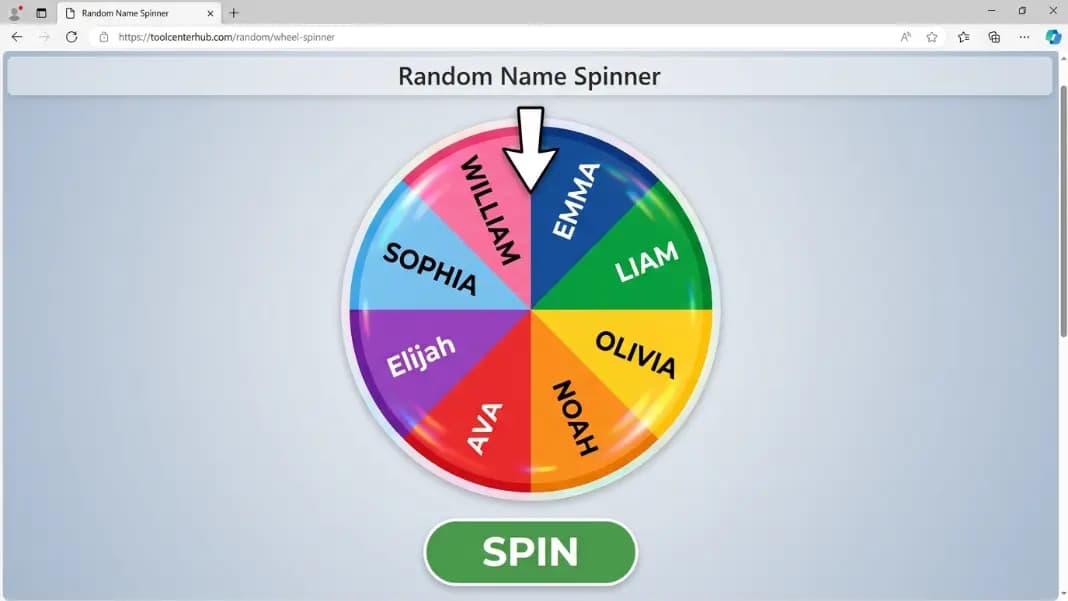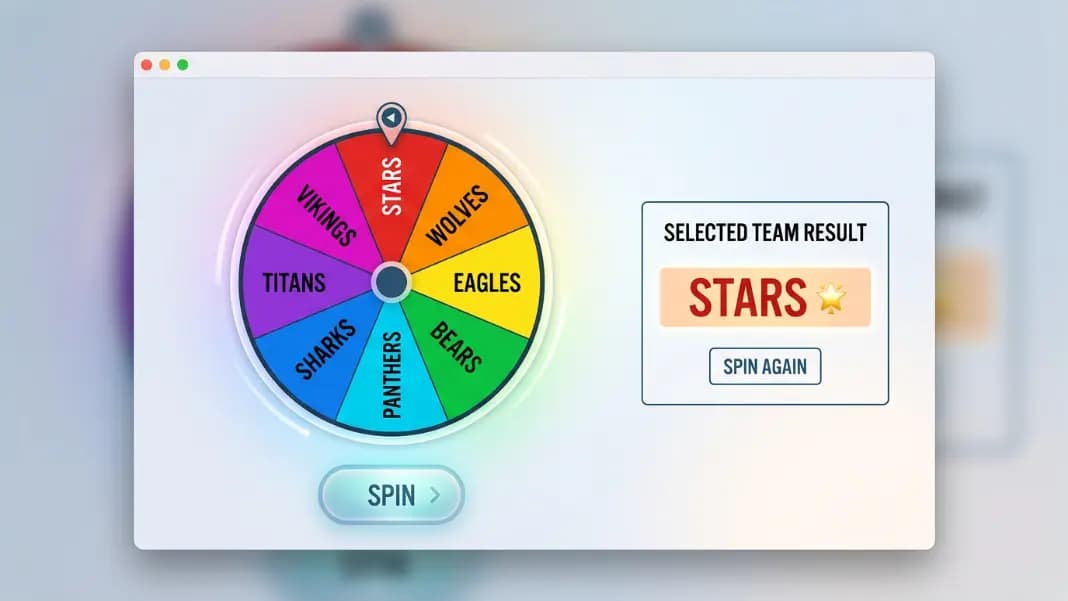
Every standup starts the same way. The Scrum master pauses before unmuting. Two or three senior members begin anyway because they always do. The same person goes last every session because nobody ever explicitly set the order. The pattern is unspoken but consistent, and it establishes a quiet hierarchy in a format that is supposed to be flat.
A wheel spinner loaded with team member names removes the unspoken order problem in under a minute. It also removes the perception that whoever facilitates the meeting is choosing who speaks when. This guide covers the formats that matter most for Scrum masters, team managers, and meeting facilitators: standup order rotation, rotating task assignment, on-call scheduling, and the specific math that explains why spinning every session is less fair than spinning once to set a rotation.
Standup Order and Meeting Rotation
For a recurring standup, the wheel handles two problems: picking who speaks in what order, and managing that order fairly across multiple sessions.
Setting standup order with the wheel:
- Load every team member's name as a segment in the wheel spinner.
- Spin to pick who goes first. That person leads the standup.
- Remove that name from the wheel. Spin for second place. Remove and spin for third. Continue until the full order is established.
- The team follows that order for the session.
For a one-time meeting, this is the complete process. For recurring standups, the next question is whether to re-spin every session or cycle through the established order. The section below on fairness math covers why these two approaches produce different outcomes over time.
Remote and hybrid teams: When some members are in the room and others are on a call, the standup order problem gets worse. In-room members have more social pressure to begin, which consistently places remote members at the end. A wheel displayed on a shared screen removes the in-room bias from the order. Everyone sees the same spin. The result applies equally to in-room and remote participants. This is one of the specific advantages of using a visible shared tool rather than an alphabetical or join-order list.
The same format works for sprint retrospectives, team reviews, and any recurring meeting where speaking order matters. A randomized order set before the meeting starts prevents the session from defaulting to whoever speaks first.
Why Equal Probability Does Not Mean Equal Distribution
This is the part most team wheel guides skip, and it is the most important thing to understand before using the wheel for recurring standup rotation.
With five people on a team, suppose you spin the wheel five times per session to set standup order. Each person has a 1-in-5 chance of being picked on any given spin.
The probability that every person appears exactly once across five spins is 5 factorial divided by 5 to the power of 5. That is 120 divided by 3,125, which equals 3.84 percent.
Which means 96.16 percent of sessions produce at least one repeat: someone goes twice and at least one person does not go at all in that session.
For an eight-person team spinning eight times, the numbers are more extreme. The probability that every person appears exactly once is 8 factorial divided by 8 to the power of 8: 40,320 divided by 16,777,216, which is approximately 0.24 percent. Nearly every session with an eight-person team will have at least one person who goes twice and at least one who is never called.
This is not a flaw in the wheel. Equal probability per spin is working correctly. But equal probability per spin is not the same as equal distribution of outcomes across sessions. The birthday problem demonstrates the same counterintuitive result: in a room of 23 people, the probability that two share a birthday exceeds 50 percent, even though each individual birthday has only a 1-in-365 chance.
For a recurring standup where fairness over time matters, the solution is to use the wheel to SET an order, not to spin per session.
Spinning to Set the Order vs. Spinning Every Session
The distinction determines what the wheel is actually doing for team fairness.
Spin every session: Each person has equal probability on each individual spin, but the distribution of who leads across sessions will be unequal over time. Over ten standups, some people will have led four or five times and others only once by pure random chance. This is fair by the strict probability definition but unequal in outcome.
Spin once to set a rotation order: Spin the wheel to generate a random sequence of the whole team. Follow that sequence in order for every session in the sprint or scheduling period. At the end of the period, re-spin to generate a new random sequence.
The second approach guarantees every person leads the standup the same number of times in each full cycle through the sequence. The wheel provides the initial randomization that removes human pattern-setting. The systematic cycling through the spun order provides the distribution fairness that re-spinning every day cannot.
For a five-person standup running daily across a two-week sprint, spin once at the start of the sprint to set the order for those ten sessions. Person A leads Monday, Person B leads Tuesday, and so on, cycling back to Person A after everyone has gone twice. The wheel set the order. The order does the fair distribution.
Rotating Task Assignment
Recurring team responsibilities (meeting notes, retrospective facilitation, sprint review presentation, on-call lead, board grooming) need rotation to prevent the same people from holding the same roles across consecutive sprints.
Task rotation setup:
- Load the task names as segments in the wheel spinner.
- Spin for the first team member's task assignment. Remove that task.
- Spin for the second team member. Remove and continue.
- Every team member receives one task. No task appears twice.
For the next sprint, reload all tasks and re-spin. Every task has equal probability for every team member across sprints rather than accumulating with the same people.
Tracking consecutive assignments: Keep a simple log of who held which task each sprint. If one person draws the least-preferred task (usually note-taking) two or three sprints in a row by random chance, override the wheel for that specific assignment in the following sprint. The wheel handles the bulk of assignments fairly. Manual override addresses genuine accidental streaks that would otherwise undermine trust in the rotation.
On-call rotation: Load all team member names as segments. Spin for week one's on-call person, remove that name, spin for week two, and continue through the full scheduling period. This sets a fair on-call schedule in one session rather than requiring a manually managed spreadsheet. At the end of the period, reload all names and re-spin. The spin removes any perception that the manager is selecting who draws inconvenient on-call weeks.

Team Captains and Role Assignment
For sports teams, classroom projects, and event activities, the same remove-and-spin format handles captain selection and role assignment.
Picking captains:
- Enter all participant names as segments.
- Spin for the first captain, remove that name.
- Spin for the second captain, remove.
- Repeat until all captains are selected.
The selection is visible to the whole group and removes any perception of preference in who was chosen. If captains then run a draft for their teams, use the wheel to randomize the draft order as well: spin to determine who picks first, second, and third.
Assigning roles within a team:
- Load role names as segments (positions, project roles, presentation order).
- Spin for the first person's role assignment, remove it.
- Continue until all roles are assigned.
For situations where role preferences matter, use the wheel to set draft order rather than directly assigning roles. Spin to determine who picks their role first, second, and third. People get preferences, but the order of selection is random and nobody controls who gets first pick.
Classroom and Office Group Splitting
For classroom group work with twenty or more students, the team generator handles bulk splitting more efficiently than the wheel. Enter the full class list, set the number of groups, and the tool divides everyone in one step. The wheel works for sequential assignment: add group names as segments and spin each student into a group as it fills. The sequential approach is slower but visible to the class, which adds engagement and transparency to the assignment process.
For office events (trivia nights, hackathons, escape rooms), the team generator creates balanced groups from the full attendee list. The wheel handles individual assignments within the event: who presents which segment, who leads which table, who runs which activity block.
Combining with other tools: For events running a group stage followed by elimination rounds, pair the wheel with the bracket generator. Use the wheel for initial group seeding and the bracket generator for the elimination structure after group stage results are recorded.
For two-team binary choices where you only need which team goes first or takes priority, the coin flip is faster than spinning a two-segment wheel.
What the Wheel Cannot Fix
A wheel produces equal probability across all entries on every spin. It cannot produce equal skill distribution within teams assigned by name. A five-player team where two players are significantly more experienced than the other three will produce skill-imbalanced results regardless of how fairly the spin assigns people.
For competitive contexts where skill balance matters, the wheel handles the assignment mechanism and a manual override handles the balance check. Spin the full assignment, then review whether any one group or team is significantly stronger than the others, and swap one pair of players between groups to correct the imbalance. The spin ensures nobody was placed by preference. The review ensures the result is actually competitive.
For group game formats using the wheel for rotation and turn management rather than team assignment, the never have I ever wheel spinner guide covers how the wheel format changes game dynamics compared to card or verbal formats. For compound random results that require two independent simultaneous variables, the double wheel spinner guide covers how two wheels running simultaneously produce different results from a single wheel used twice in sequence.
For any other random selection tool, the random tools section covers the full set: coin flip, number generator, name picker, and the team generator for bulk group splitting.